No Result
View All Result
Global Finances Daily
  • Alternative Investments
  • Crypto
  • Financial Markets
  • Investments
  • Lifestyle
  • Protection
  • Retirement
  • Savings
  • Work & Careers
No Result
View All Result
  • Alternative Investments
  • Crypto
  • Financial Markets
  • Investments
  • Lifestyle
  • Protection
  • Retirement
  • Savings
  • Work & Careers
  • Login
Global Finances Daily
No Result
View All Result
Home Protection

Chrome’s AI Might Be Taking Up a Bunch of Storage, but You Can Fix It

May 7, 2026
in Protection
0
Chrome’s AI Might Be Taking Up a Bunch of Storage, but You Can Fix It


We may earn a commission from links on this page.


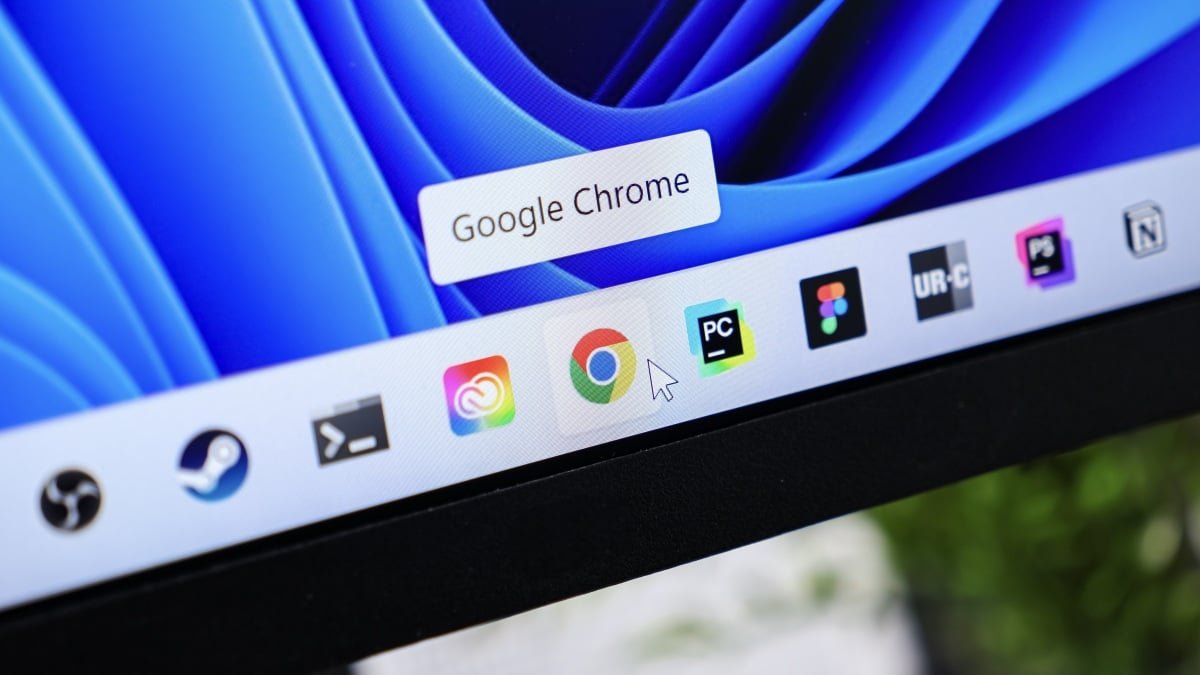
Google Chrome is the most popular web browser in the world, but it isn’t necessarily the most efficient. While Chrome offers users the most compatibility with Google’s products and services—not to mention a huge library of extensions—it has a habit of hogging more system resources than other browsers, which may end up slowing down weaker hardware, or draining your laptop’s battery. As it happens, the browser might also be responsible for putting a strain on your hard drive.

As reported by The Verge, Google Chrome might be taking up more storage than it needs to on your Mac, PC, or Chromebook—at least if you subscribe to one of Google’s AI plans. That’s due to its AI features, specifically Gemini Nano, Google’s “lightweight” AI model used for scam detection, autofill, writing tools, and suggestions. It seems when a user has these AI features turned on, Chrome installs a 4GB “weights.bin” file to the browser directory. That’s because Gemini Nano runs on-device, rather than in the cloud. In order to accomplish that, it needs resources on your computer to run its processes.

It’s not clear exactly what is causing this file to be so large, but it isn’t necessarily surprising. AI processes can be intense, especially if the models are running on-device. Even though Gemini Nano is “light,” 4GB sounds about right to me for the features highlighted here. There’s actually an upside, too, since on-device processes are better for user privacy: For cloud-based processes, your data needs to leave your device, potentially exposing your information. Google’s help center site mentions the features these models power, and discloses that Chrome will download files to run those processes, but doesn’t specify the exact file size.

If your computer has a large SSD or hard drive, you might not mind that added 4GB of storage—especially if you like Gemini’s features in Chrome. However, a lot of us don’t have the storage space to spare, especially on machines with small hard drives to begin with. The entry-level MacBook Neo, for example, ships with 256GB of storage. Anyone who stores a local library of photos, videos, or other large files knows the challenge of trying to manage an SSD of this size. That 4GB of storage Chrome is taking up actually matters, particularly for users who do not rely on Google’s AI features.


What do you think so far?

Apple 2026 MacBook Neo 13-inch Laptop with A18 Pro chip: Built for AI and Apple Intelligence, Liquid Retina Display, 8GB Unified Memory, 256GB SSD Storage, 1080p FaceTime HD Camera; Indigo

How to free up Chrome’s unnecessary storage space

As The Verge notes, you can delete the weights.bin file from the OptGuideOnDeviceModel directory on your computer. This will temporarily delete the 4GB of data, but it isn’t a permanent solution. If you keep these AI features turned on, Chrome will just download the files again in the future, and your hard drive will be 4GB heavier.

As such, your long-term solution is to disable these features instead. To do so, click the three dots in the top-right corner of a Chrome window, then hit “Settings.” Here, head to “System,” then make sure “On-device AI” is checked off. Note that this option may not be available if you aren’t a Google AI subscriber, or if an organization like your school or company manages your Chrome profile. In these cases, Chrome likely didn’t install the weights.bin file on your machine. For example, I don’t have the option on either my personal Chrome profile or my work Chrome profile on my Mac.




Editorial Team

Editorial Team

Related Posts

This Dyson Cordless Stick Vacuum Is 45% Off Right Now
Protection

This Dyson Cordless Stick Vacuum Is 45% Off Right Now

May 7, 2026
15 Shows Like 'Widow's Bay' You Should Watch Next
Protection

15 Shows Like ‘Widow’s Bay’ You Should Watch Next

May 7, 2026
The Beats Fit Pro ANC Earbuds Are 40% Off Right Now
Protection

The Beats Fit Pro ANC Earbuds Are 40% Off Right Now

May 7, 2026
You Can Get a Budget Surface Laptop and Lifetime License to Microsoft Office for Just $260 Right Now
Protection

You Can Get a Budget Surface Laptop and Lifetime License to Microsoft Office for Just $260 Right Now

May 7, 2026
This Shark Matrix Plus Makes Floor Cleaning Almost Effortless, and It's on Sale for Just $135 Right Now
Protection

This Shark Matrix Plus Makes Floor Cleaning Almost Effortless, and It’s on Sale for Just $135 Right Now

May 7, 2026
What Is Hyrox, and Why Is Everyone Suddenly Doing It?
Protection

What Is Hyrox, and Why Is Everyone Suddenly Doing It?

May 7, 2026
Load More

Popular News

  • Josh Garber

    How to Contact Hilton Customer Service

    0 shares
    Share 0 Tweet 0
  • War of the meal deals! Pret a Manger set to launch its own lunchtime offer as it takes on the supermarkets – weeks after Tesco hiked its own to £4.25

    0 shares
    Share 0 Tweet 0
  • Warren blasts CFPB director Vought for undermining Trump credit card affordability

    0 shares
    Share 0 Tweet 0
  • China’s February auto sales, exports fall at fastest pace in two years

    0 shares
    Share 0 Tweet 0
  • Celsius Founder Mashinsky Settles FTC Case With $10M Payment

    0 shares
    Share 0 Tweet 0

Latest News

Chrome’s AI Might Be Taking Up a Bunch of Storage, but You Can Fix It

Chrome’s AI Might Be Taking Up a Bunch of Storage, but You Can Fix It

May 7, 2026
0

We may earn a commission from links on this page. Google Chrome is the most popular web browser in the...

Ethereum Derivatives Momentum Just Flipped Positive – And It Is Not Overheated Yet

Ethereum Derivatives Momentum Just Flipped Positive – And It Is Not Overheated Yet

May 7, 2026
0

Trusted Editorial content, reviewed by leading industry experts and seasoned editors. Ad Disclosure Ethereum is struggling to push above $2,400...

Assistant Director Of Fellowships - HigherEdJobs

Assistant Director Of Fellowships – HigherEdJobs

May 7, 2026
0

Assistant Director Of FellowshipsJR10000001245Williamstown, MA (Main Campus)The Williams College Fellowships Office is looking for an organized and...

Cointelegraph

Aave Liquidates Kelp DAO Hacker’s rsETH Positions

May 7, 2026
0

Aave Labs has liquidated the Kelp DAO attacker’s remaining rsETH positions on Ethereum and Arbitrum, moving one step closer to...

Global Finances Daily

Welcome to Global Finances Daily, your go-to source for all things finance. Our mission is to provide our readers with valuable information and insights to help them achieve their financial goals and secure their financial future.

Subscribe

  • About Us
  • Contact
  • Privacy Policy
  • Terms of Use
  • Editorial Process

© 2025 All Rights Reserved - Global Finances Daily.

No Result
View All Result
  • Alternative Investments
  • Crypto
  • Financial Markets
  • Investments
  • Lifestyle
  • Protection
  • Retirement
  • Savings
  • Work & Careers

© 2025 All Rights Reserved - Global Finances Daily.

Welcome Back!

Login to your account below

Forgotten Password?

Retrieve your password

Please enter your username or email address to reset your password.

Log In
This website uses cookies. By continuing to use this website you are giving consent to cookies being used. Visit our Privacy and Cookie Policy.