No Result
View All Result
Global Finances Daily
  • Alternative Investments
  • Crypto
  • Financial Markets
  • Investments
  • Lifestyle
  • Protection
  • Retirement
  • Savings
  • Work & Careers
No Result
View All Result
  • Alternative Investments
  • Crypto
  • Financial Markets
  • Investments
  • Lifestyle
  • Protection
  • Retirement
  • Savings
  • Work & Careers
  • Login
Global Finances Daily
No Result
View All Result
Home Protection

These Are The Best Ways to Rid Your Gmail Inbox of Spam

May 8, 2026
in Protection
0
These Are The Best Ways to Rid Your Gmail Inbox of Spam


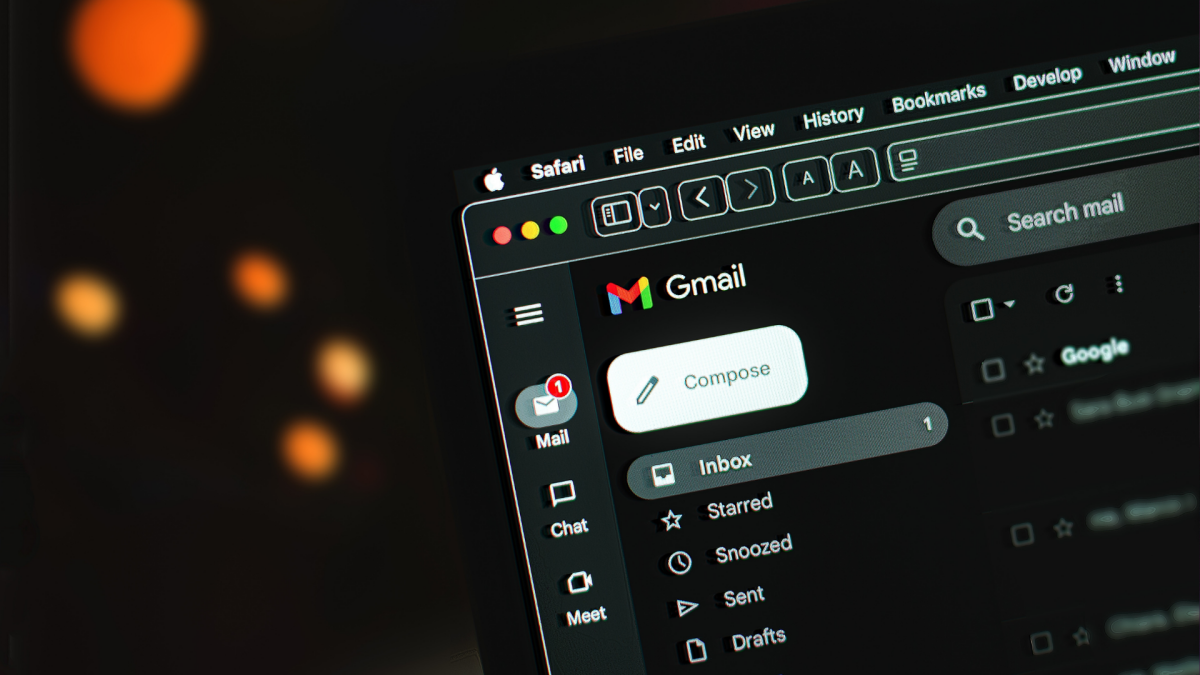
Gmail does a decent job at filtering junk mail to the Spam folder, but there are always the marketing emails, newsletters, and other mass messages that slip through to your inbox. Maybe you accidentally signed up for a mailing list, or you wanted those promo emails at one point, but now they’ve become too much. You can keep deleting them one by one—or you can take action to remove spam from certain senders once and for all.

Set up filtering to banish unwanted emails

Filtering is one of our favorite Gmail hacks for moving junk emails straight to the trash. Select the messages in your inbox from as many senders as you want to filter out, click the three-dot menu at the top of the screen, and select Filter messages like these. On the pop-up, click Create filter and check Delete it. Be sure to also check Also apply filter to [X] matching conversations. Future emails from filtered senders will automatically go to Trash.

Filter entire domains instead

If you’re still getting emails from a sender you’ve filtered out, it may be because they’re using multiple aliases on the same domain. To solve this, you can set up a filter for an entire domain. Go to Settings > See all settings > Filters and Blocked Addresses and select Create a new filter. Add the domain (@[domain].com) to the “From” field, select Create filter, and check Delete it.

Unsubscribe en masse via ‘Manage Subscriptions’

You can unsubscribe from mailing lists by clicking “Unsubscribe” at the bottom of each individual email you receive, but this is both tedious and a potential security risk, as threat actors have been known to hijack these links for malicious purposes. At minimum, opening the email and clicking any link therein confirms that your email address is active and ripe for targeting. Google updated Gmail last year to include a “Manage Subscription” view, which centralizes mailing list and promotional emails in one place with a one-click unsubscribe option. In the left-hand navigation bar, click More > Manage subscriptions, locate the sender, and click Unsubscribe to be removed from that sender’s list.

Note that Gmail may not pull all email campaigns into this view—if that’s the case for a list you want to unsubscribe from, you can click Unsubscribe at the top of the email itself (next to the sender’s address) instead or use the next step to block the sender entirely.


What do you think so far?

Use the ‘Report spam’ button ruthlessly

If you find yourself deleting emails from the same senders over and over, report them as spam instead. This helps Gmail to recognize these and similar messages as junk, which over time can reduce how much clutter actually reaches your inbox. Select the email and click the Report spam button at the top of your inbox to move the message to your spam folder. Gmail automatically deletes spam after 30 days.

Block external images to prevent tracking

Marketing emails typically have tracking pixels—invisible 1×1 images used to monitor online activity—embedded that let senders know when you open a message, which is why you should stop opening emails you don’t want and use one of the above strategies to filter, delete, or block them instead. To add an extra layer of protection, you can keep external images from loading in emails unless you explicitly allow them. Go to Settings > See all settings. On the General tab, scroll to Images and select Ask before displaying external images.

Keep your email address private and use aliases instead

An obvious way to keep junk from reaching your inbox is to avoid giving out your email address in the first place. You can create a second Gmail account to use solely for subscriptions, shopping, service sign-ups, etc. so any lists you are added to are directed straight to a separate inbox. Gmail also has unlimited aliases via “plus addressing,” so you can easily see where spam is coming from. Or you can create burner accounts via “hide my email” services in browsers, password managers, or Apple iCloud.




Editorial Team

Editorial Team

Related Posts

10 Hacks Every Google Meet User Should Know
Protection

10 Hacks Every Google Meet User Should Know

May 8, 2026
The Fitbit App Is Losing All These Features
Protection

The Fitbit App Is Losing All These Features

May 8, 2026
You Can Get $35 in Google Store Credit If You Preorder the Fitbit Air
Protection

You Can Get $35 in Google Store Credit If You Preorder the Fitbit Air

May 8, 2026
The Shokz OpenRun Pro 2 Are $40 Off Right Now
Protection

The Shokz OpenRun Pro 2 Are $40 Off Right Now

May 8, 2026
Here’s My Ultimate Checklist for Training and Running a Race With a Garmin Watch
Protection

Here’s My Ultimate Checklist for Training and Running a Race With a Garmin Watch

May 8, 2026
Shows Like 'Beef' You Should Watch Next
Protection

Shows Like ‘Beef’ You Should Watch Next

May 8, 2026
Load More
Next Post
‘It saved my relationship with my mom.’ These money managers may help if you’re feeling overwhelmed helping your parents pay their bills.

‘It saved my relationship with my mom.’ These money managers may help if you’re feeling overwhelmed helping your parents pay their bills.

Popular News

  • Josh Garber

    How to Contact Hilton Customer Service

    0 shares
    Share 0 Tweet 0
  • 20 Best East Coast Beach Towns Worth a Visit, From Florida to Maine

    0 shares
    Share 0 Tweet 0
  • The Best Beaches in Albania

    0 shares
    Share 0 Tweet 0
  • Hiring picks up but Iran war poses risks for job market

    0 shares
    Share 0 Tweet 0
  • Deutsche Bank plans private credit expansion across Europe

    0 shares
    Share 0 Tweet 0

Latest News

Colombia 12-month inflation edges up in April

Colombia 12-month inflation edges up in April

May 8, 2026
0

Colombia 12-month inflation edges up in April

UBS Group buys $98M in Strategy shares, boosting Bitcoin treasury stake

UBS Group buys $98M in Strategy shares, boosting Bitcoin treasury stake

May 8, 2026
0

UBS Group acquired 551,121 additional shares of Strategy (formerly MicroStrategy) in a purchase valued at approximately $98 million. That brings...

Dunkin’ is making its return to the stock market — with a new twist

Dunkin’ is making its return to the stock market — with a new twist

May 8, 2026
0

Inspire Brands — which owns Dunkin’, Arby’s and other chains — has confidentially filed for an IPO.

‘It saved my relationship with my mom.’ These money managers may help if you’re feeling overwhelmed helping your parents pay their bills.

‘It saved my relationship with my mom.’ These money managers may help if you’re feeling overwhelmed helping your parents pay their bills.

May 8, 2026
0

An extra set of eyes on these kinds of tasks can help people remain independent longer

Global Finances Daily

Welcome to Global Finances Daily, your go-to source for all things finance. Our mission is to provide our readers with valuable information and insights to help them achieve their financial goals and secure their financial future.

Subscribe

  • About Us
  • Contact
  • Privacy Policy
  • Terms of Use
  • Editorial Process

© 2025 All Rights Reserved - Global Finances Daily.

No Result
View All Result
  • Alternative Investments
  • Crypto
  • Financial Markets
  • Investments
  • Lifestyle
  • Protection
  • Retirement
  • Savings
  • Work & Careers

© 2025 All Rights Reserved - Global Finances Daily.

Welcome Back!

Login to your account below

Forgotten Password?

Retrieve your password

Please enter your username or email address to reset your password.

Log In
This website uses cookies. By continuing to use this website you are giving consent to cookies being used. Visit our Privacy and Cookie Policy.