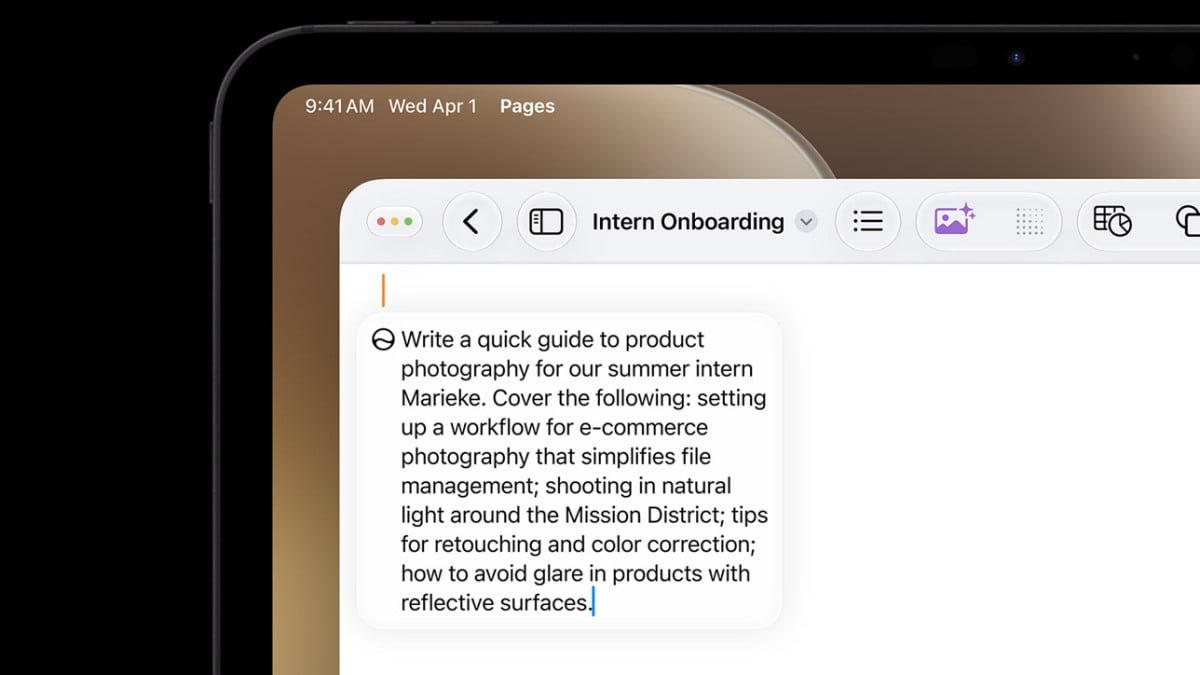
After a two-year delay, Siri AI is finally here—at least, for beta testers. Immediately following the WWDC keynote on Monday, Apple rolled out the first developer betas for iOS 27, iPadOS 27, and macOS 27 Golden Gate, and with them, the company’s new AI-powered Siri. If you’re brave enough to trial Apple’s unfinished updates, you have a chance to try out Siri AI for yourself—assuming you make it off of the waitlist.
Like many in-demand AI tools, Siri AI is locked behind a waitlist at the beta’s launch. After installing the beta, you can sign up for the waitlist, but there’s no guarantee how long you’ll actually have to wait to get Siri AI. Some users report gaining access rather quickly, while others have had a lengthy hold. Based on what I’ve seen, there’s really no rhyme or reason as to why some users’ wait times are shorter than others; it just seems to be the luck of the draw.
However, if you happen to be rocking the macOS 27 beta, it appears there’s no reason to wait around at all. In fact, taking matters into your own hands, you can bypass the wait entirely and try out Siri AI as soon as you’re ready.
How to bypass the Siri AI waitlist on macOS 27
According to MacRumors, all it takes to skip the line is a simple Terminal command. The Terminal app, for anyone unfamiliar, lets you communicate with macOS directly, offering you a greater level of control over the OS. Using it can seem intimidating to neophytes, but it’s easy enough to copy and paste commands for singular use cases.
That said, some disclaimers: If you’re running the macOS 27 beta, you’re probably comfortable with a certain degree of risk already, but it bears repeating that trying Siri AI before it’s done baking means dealing with unfinished software and programs. The beta alone can cause instability and data loss, and messing with the intended design of the beta could put you at greater risk. Before proceeding, I’d recommend making secure backups of any data you don’t want to lose, and understand that this isn’t how Apple intends for you to experience the beta.
What do you think so far?
That caveat out of the way, here’s how the workaround works, per MacRumors: First, install the macOS 27 beta. Once it’s installed, open Terminal on your Mac. Next, paste the following command into the window:
sudo defaults write "/Library/Preferences/FeatureFlags/Domain/GenerativeModels.plist" "EnhancedSiriWaitlist" -dict-add Enabled -bool NO
Once that’s pasted, hit Enter. Finally, restart your Mac. Once it boots back up, you will be able to access Siri AI immediately—you should see the Siri app, and have the ability to access Siri AI from Spotlight. Happy beta testing!