No Result
View All Result
Global Finances Daily
  • Alternative Investments
  • Crypto
  • Financial Markets
  • Investments
  • Lifestyle
  • Protection
  • Retirement
  • Savings
  • Work & Careers
No Result
View All Result
  • Alternative Investments
  • Crypto
  • Financial Markets
  • Investments
  • Lifestyle
  • Protection
  • Retirement
  • Savings
  • Work & Careers
  • Login
Global Finances Daily
No Result
View All Result
Home Protection

Google Maps’ New Power Saving Mode Only Works on One Type of Phone, and That Stinks

November 12, 2025
in Protection
0
Google Maps' New Power Saving Mode Only Works on One Type of Phone, and That Stinks


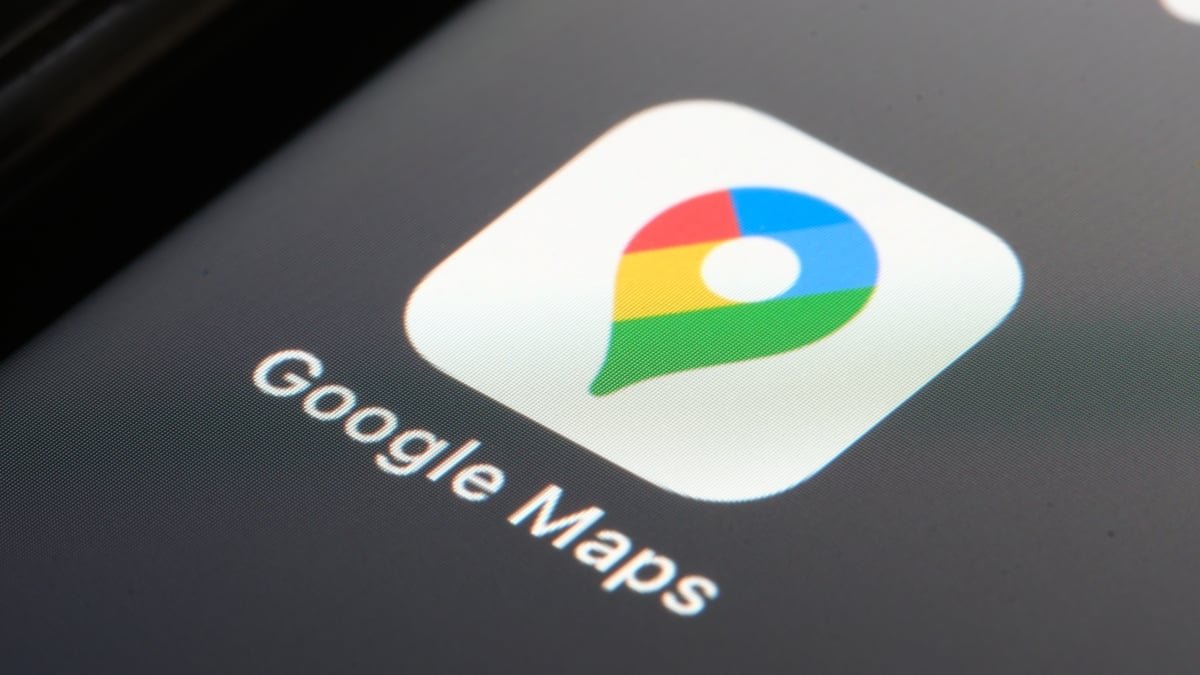
If you have a Pixel phone, there’s good news, and bad news. The good news? Google is releasing a handful of new features for your device, via its November Pixel Drop. And among the new changes, like Google Photos’ Nano Banana upgrade, is something genuinely useful: a new power saving mode for Google Maps. The bad news? Your Pixel probably doesn’t support it.

According to Google, the new Power Saving Mode is simple to use. Whenever you want to spare your battery some excess power consumption while using driving directions in Google Maps, you can tap a new power button in the app. Once you do, Google Maps will shift into a “simplified layout”: From Google’s press release image, this turns the map black and white, with no discernible elements other than the road, your driving arrow, ETA, and upcoming turns. The feature currently only works with driving directions, so you won’t see the option for walking or biking directions, nor can you use it in landscape.


Credit: Google

Google says this new layout can save your Pixel’s battery life for up to four hours—though that depends on a number of factors, including the assumption that your phone is charged to 100% at the start, and that brightness is set at P90 and Adaptive Brightness is disabled. But if that’s true, it could be huge: If you’re on a road trip without power, that can keep your phone going much longer. You could either eke out another four hours of navigation time in the car, or actually have some battery to spare when you reach your destination.

Why is this a Pixel 10 exclusive?

But before all the Pixel owners of the world get too excited, the feature comes with disappointing fine print. Only Pixel 10 devices—meaning Pixel 10, Pixel 10 Pro, Pixel 10 Pro XL, and Pixel 10 Pro Fold—can use Power Saving Mode in Google Maps. Google: What gives?

Google doesn’t actually offer any explanation as to why Power Saving Mode is exclusive to its newest line of Pixels. As Android Central notes, the feature likely takes advantage of Android’s upcoming AOD Min Mode, which lets apps use the device’s Always-on Display to save power while running visually simplistic versions of their programs. AOD Min Mode isn’t widely available to developers yet, and will likely arrive with Android 17, but it doesn’t seem exclusive to Pixel 10—or Pixel, for that matter. Most Android phones these days have Always-on Displays, so AOD Min Mode should theoretically work with them—not just phones released this year.

If I had to guess, Google won’t keep this feature locked to the Pixel 10 line forever. The company is probably using this limited rollout as an opportunity to test out AOD Min Mode with a smaller pool of users. Since the Pixel 10 series is the company’s newest set of devices, it’d be a prime candidate for a test. The company could then take the feedback and analytics from this beta, and use it to help developers better optimize their apps for this experience. Perhaps then, Google would expand support to more Pixel devices, or more Android devices in general.

For now, however, only Pixel 10 users can try out Power Saving Mode in Google Maps. I don’t have one of these newest Pixels, but if I did, I wouldn’t be surprised if I just kept this mode on all the time. Frankly, it looks cool, and if it saves me battery at the same time, all the better.

Google seems to be making battery life savings a priority. Starting next year, the company will start dinging apps that excessively wake the display, either by removing those apps from Play Store discovery pages, or by issuing a warning to users on the app’s Play Store page itself.


Editorial Team

Editorial Team

Related Posts

Shows Like 'Silo' You Should Watch Next
Protection

Shows Like ‘Silo’ You Should Watch Next

February 14, 2026
The Easiest (and Cheapest) Ways to Turn Your Attic Into Useful Storage Space
Protection

The Easiest (and Cheapest) Ways to Turn Your Attic Into Useful Storage Space

February 14, 2026
These Viture Luma Pro Smart Glasses Are Cheaper Than Ever During Amazon's Early Presidents Day Sale
Protection

These Viture Luma Pro Smart Glasses Are Cheaper Than Ever During Amazon’s Early Presidents Day Sale

February 14, 2026
OpenAI Actually Shut Down GPT-4o
Protection

OpenAI Actually Shut Down GPT-4o

February 13, 2026
A Sauna Isn't a Substitute for Exercise
Protection

A Sauna Isn’t a Substitute for Exercise

February 13, 2026
These Malicious AI Assistants in Chrome Are Stealing User Credentials
Protection

These Malicious AI Assistants in Chrome Are Stealing User Credentials

February 13, 2026
Load More
Next Post
Client Challenge

Client Challenge

Popular News

  • Josh Garber

    How to Contact Hilton Customer Service

    0 shares
    Share 0 Tweet 0
  • The 10 best banks for college students in 2025

    0 shares
    Share 0 Tweet 0
  • Brite Advisors Owner Assumes Control of Mondial Dubai

    0 shares
    Share 0 Tweet 0
  • Electric car range can plummet by up to 40% in winter, test reveals

    0 shares
    Share 0 Tweet 0
  • SC Lowy launches third APAC private credit fund

    0 shares
    Share 0 Tweet 0

Latest News

Ariel Cohen: Going public offers significant advantages for payments companies, the challenges of timing an IPO, and the importance of company culture in fintech

Ariel Cohen: Going public offers significant advantages for payments companies, the challenges of timing an IPO, and the importance of company culture in fintech

February 16, 2026
0

Going public can provide significant advantages for companies in the payments industry. Timing the market for an IPO is challenging...

Bitcoin Heads For Worst Quarter Since 2018 With 22% Drop

Bitcoin Heads For Worst Quarter Since 2018 With 22% Drop

February 16, 2026
0

Bitcoin may be headed for its worst first quarter in eight years, with data showing Bitcoin is already down 22.3%...

Morning Bid: Japan’s economy could do with some Fire Horse energy

Morning Bid: Japan’s economy could do with some Fire Horse energy

February 16, 2026
0

Morning Bid: Japan’s economy could do with some Fire Horse energy

WLFI gears up to launch its USD1 stablecoin rewards program, here's how to earn points

Senators urge CFIUS probe into UAE stake in Trump-linked World Liberty Financial

February 16, 2026
0

Democratic senators are calling for a national security review of a major foreign investment in World Liberty Financial, the crypto...

Global Finances Daily

Welcome to Global Finances Daily, your go-to source for all things finance. Our mission is to provide our readers with valuable information and insights to help them achieve their financial goals and secure their financial future.

Subscribe

  • About Us
  • Contact
  • Privacy Policy
  • Terms of Use
  • Editorial Process

© 2025 All Rights Reserved - Global Finances Daily.

No Result
View All Result
  • Alternative Investments
  • Crypto
  • Financial Markets
  • Investments
  • Lifestyle
  • Protection
  • Retirement
  • Savings
  • Work & Careers

© 2025 All Rights Reserved - Global Finances Daily.

Welcome Back!

Login to your account below

Forgotten Password?

Retrieve your password

Please enter your username or email address to reset your password.

Log In
This website uses cookies. By continuing to use this website you are giving consent to cookies being used. Visit our Privacy and Cookie Policy.