No Result
View All Result
Global Finances Daily
  • Alternative Investments
  • Crypto
  • Financial Markets
  • Investments
  • Lifestyle
  • Protection
  • Retirement
  • Savings
  • Work & Careers
No Result
View All Result
  • Alternative Investments
  • Crypto
  • Financial Markets
  • Investments
  • Lifestyle
  • Protection
  • Retirement
  • Savings
  • Work & Careers
  • Login
Global Finances Daily
No Result
View All Result
Home Protection

Apple’s Latest iOS Update Includes a New Way to Receive Notifications

December 17, 2025
in Protection
0
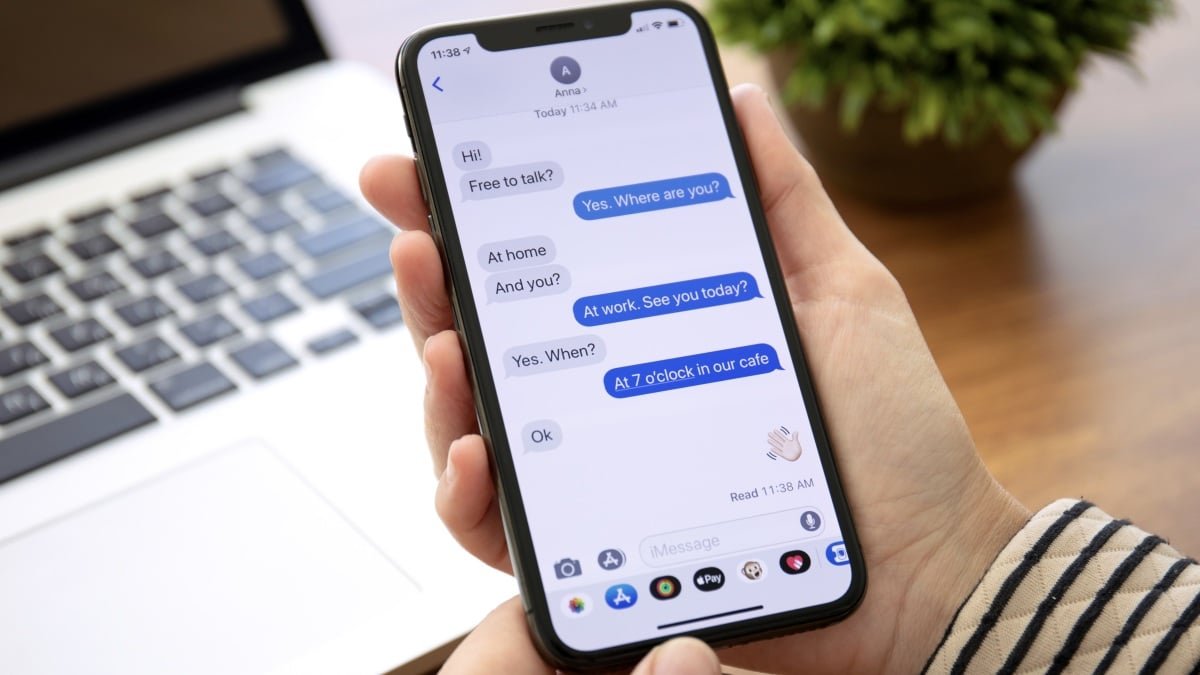
Apple's Latest iOS Update Includes a New Way to Receive Notifications


There are fewer and fewer hardware differences between iPhones and Androids as the years go on, but back in the day, that was far from the case. At one point, many major Android devices came with dedicated LEDs that would shine whenever you received a notification. It was a passive way to know whether you had something on your phone to attend to, without having to actually wake up the display and risk getting unnecessarily sucked into your device.

iPhones have never had this specific feature, but Apple included a workaround for anyone interested in a similar experience. For years, you’ve been able to dive into Accessibility settings to turn your iPhone’s LED flash into a notification light. Any time you received a text, app notification, or call, your camera flash would go off, ensuring you didn’t miss an important update. This can be helpful both those who are hard of hearing, and who wouldn’t be able to rely on audible alerts, or anyone who keeps their phone on silent, but would like a visual cue that they have a new notification.

For the first time in years, Apple is updating its flash alerts feature. With iOS 26.2, which the company released on Friday, you now have the option to have your iPhone’s display itself flash for new alerts. You can choose to make the display the only light that flashes, or to use the feature in tandem with the LED flash, which I think makes the most sense for people who like this option. That way, it won’t matter whether your iPhone is face up or face down: You’ll always see a light flash for new alerts one way or another.

Display flash doesn’t work like you might expect, especially if you’ve used LED flashes before. I thought my iPhone would flash a bright light on and off again a few times, mimicking how LED flash alerts works. Instead, when you get a new notification, the screen instantly increases the brightness for a few seconds, before lowering it again. It works—you’re bound to notice your display jump in brightness if it isn’t already maxed out—but it doesn’t quite grab your attention as well as the LED flash.

How to set up Flash for Alerts on iPhone

To start, open the Settings app on your iPhone, then head to Accessibility. Scroll down to Hearing, then choose Audio & Visual. Scroll to the bottom of this page, then tap Flash for Alerts.


What do you think so far?

If you’re running an older version of iOS, you’ll only have the option to enable “LED Flash.” However, those running iOS 26.2 and newer will also see an option for “Screen.” Choose that option if you want the display to flash for new alerts, or “Both” to have both lights enabled.

You’ll also find two choices that affect when these flash alerts go off, no matter which of the above options you pick. First, you can choose whether your iPhone will use flash alerts while locked. If you disable this option, you’ll only see these light alerts when your iPhone is unlocked. Second, you can choose whether to use flash alerts in Silent Mode. I’d keep that setting enabled, since it seems most useful when your iPhone has no other way to alert you to new notifications.

It’s also important to note that using an Apple Watch can complicate this feature a bit, at least in my experience. While giving this option a test, I had trouble getting alerts to come through on my locked phone without first going to my watch. If you have an Apple Watch, and its notifications mirror your iPhone’s, you’ll get the most out of this feature when your iPhone is unlocked.



Editorial Team

Editorial Team

Related Posts

Adapt This Japanese Productivity Model to Get More Done
Protection

Adapt This Japanese Productivity Model to Get More Done

December 18, 2025
These Stylish Marshall Headphones Are Nearly 50% Off Right Now
Protection

These Stylish Marshall Headphones Are Nearly 50% Off Right Now

December 18, 2025
That PayPal 'Automatic Payment Status' Email Is a Scam
Protection

That PayPal ‘Automatic Payment Status’ Email Is a Scam

December 18, 2025
10 Hacks Every Car Owner Should Know
Protection

10 Hacks Every Car Owner Should Know

December 18, 2025
Gemini 3 Flash Outperforms Gemini 3 Pro and GPT 5.2 In These Key Benchmarks
Protection

Gemini 3 Flash Outperforms Gemini 3 Pro and GPT 5.2 In These Key Benchmarks

December 17, 2025
Apple Just Changed the Way You AirDrop With Strangers
Protection

Apple Just Changed the Way You AirDrop With Strangers

December 17, 2025
Load More
Next Post
Client Challenge

Client Challenge

Popular News

  • Solana and XRP ETFs extend inflow streak while Bitcoin ETFs bleed $492m

    Solana price compresses into triangle apex, breakout risk builds

    0 shares
    Share 0 Tweet 0
  • The 9 Coolest Winter Cruises Setting Sail This Season

    0 shares
    Share 0 Tweet 0
  • How to Contact Hilton Customer Service

    0 shares
    Share 0 Tweet 0
  • 10 Hacks Every iPhone User Should Know

    0 shares
    Share 0 Tweet 0
  • The Best Hidden Features in Kagi, the Paid Alternative to Google Search

    0 shares
    Share 0 Tweet 0

Latest News

Jito Foundation Says Core Operations Will Return To Us, Credits GENIUS Act

Jito Foundation Says Core Operations Will Return To Us, Credits GENIUS Act

December 18, 2025
0

Key NotesThe Jito Foundation relocates from Cayman Islands citing improved regulatory environment and passage of GENIUS Act in July 2025.CEO...

Client Challenge

Client Challenge

December 18, 2025
0

Client Challenge JavaScript is disabled in your browser. Please enable JavaScript to proceed. A required part of this site couldn’t...

Adapt This Japanese Productivity Model to Get More Done

Adapt This Japanese Productivity Model to Get More Done

December 18, 2025
0

So many great productivity hacks come from the Japanese manufacturing industry. The 5S technique helps you keep your workspace clean...

Ethereum

BitMine Shops On Ethereum Dip: $140M Buy Spotted On-Chain

December 18, 2025
0

Trusted Editorial content, reviewed by leading industry experts and seasoned editors. Ad Disclosure Two massive Ethereum transactions have just flowed...

Global Finances Daily

Welcome to Global Finances Daily, your go-to source for all things finance. Our mission is to provide our readers with valuable information and insights to help them achieve their financial goals and secure their financial future.

Subscribe

  • About Us
  • Contact
  • Privacy Policy
  • Terms of Use
  • Editorial Process

© 2025 All Rights Reserved - Global Finances Daily.

No Result
View All Result
  • Alternative Investments
  • Crypto
  • Financial Markets
  • Investments
  • Lifestyle
  • Protection
  • Retirement
  • Savings
  • Work & Careers

© 2025 All Rights Reserved - Global Finances Daily.

Welcome Back!

Login to your account below

Forgotten Password?

Retrieve your password

Please enter your username or email address to reset your password.

Log In
This website uses cookies. By continuing to use this website you are giving consent to cookies being used. Visit our Privacy and Cookie Policy.