We may earn a commission from links on this page.
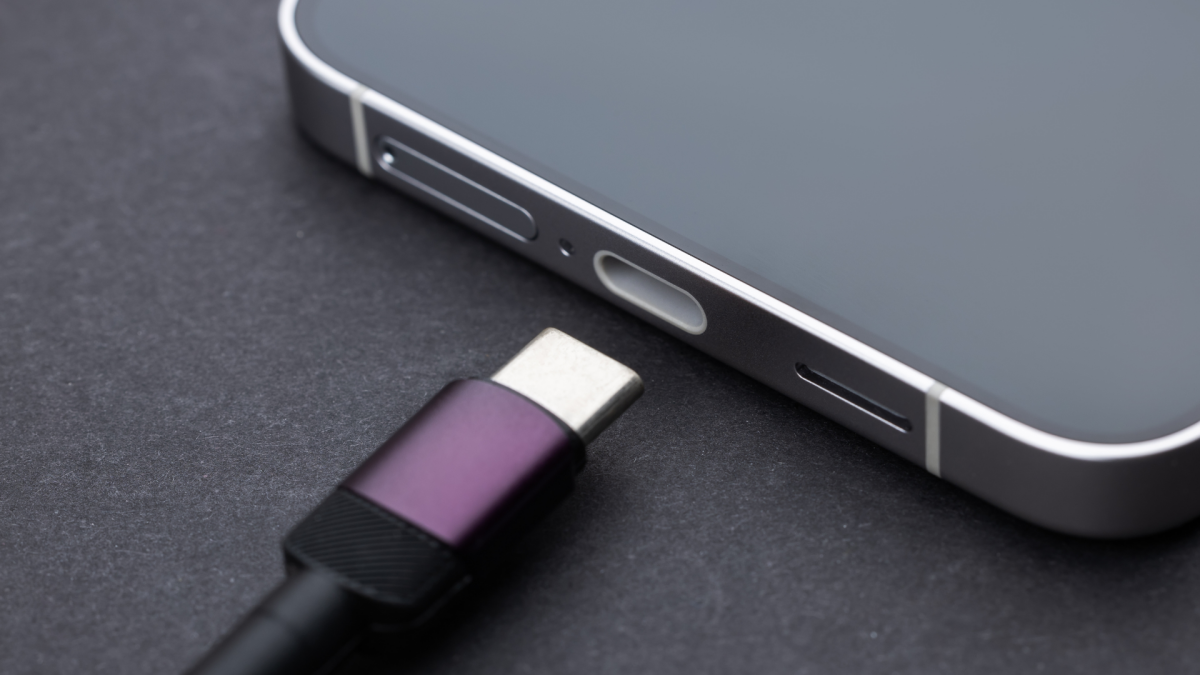
The USB-C charging port is likely to remain ubiquitous on phones for the foreseeable future—at least until the engineers at Apple figure out how to make the long-rumored portless iPhone—but this little socket is more versatile than you may have realized.
Here are four other ways to put your USB-C port to use, no matter what your make and model of phone—from freeing up space on your handset to boosting your on-the-go productivity. It’s almost like adding extra superpowers to your handset.
Attach external storage
Both iOS and Android have integrated file management apps.
Credit: Lifehacker
You can plug external USB storage devices of almost every description into your phone, just as you can with your laptop or desktop computer. Lifehacker has written before about how this works on an iPhone, and many Android phones offer the same functionality, with the default file browser app also able to see the external drive.
You may need an adapter of some description, and you may need to make sure the USB drive is formatted in a particular way (a quick web search for the details for your particular phone model will tell you if this is the case). but often, you can just plug in your drive and the phone will figure out what’s what.
This is a helpful for backing up photos and videos without paying a monthly fee for cloud storage, or simply to free up some storage space on your device. It’s also a quick and easy way of getting files onto your phone, whether that’s audio or video files you want to play without having to stream them, or books or documents you need to review during a long trip when you won’t be able to rely on getting a good signal.
Put videos on a bigger screen
Many handsets—the latest iPhones and Pixel phones included—can output video over a USB-C connection. One scenario where this is useful is if you’re in a hotel room and you want to get a movie up on the room television without having to mess with wifi or streaming protocols.
This can be quite fiddly in terms of the cables you need and how they attach to the TV, but if you do some research around your particular phone model and the inputs you want to connect to, you should be able to get it working without too much trouble. Here’s Apple’s guide for the cables and adapters you need for the iPhone, for example.
If you have a Samsung Galaxy device, then it will probably support Samsung DeX. This is a desktop environment (like Windows or macOS) that you can run on an external monitor or TV from your phone, enabling you to not only play videos on the larger display, but also use social media, web browsing, and productivity apps too.
Connect a gaming controller

The Backbone One is an example of a gaming controller you can attach.
Credit: Backbone
There are some great mobile games around for iOS and Android, but using touchscreen controls can be awkward: You’re just about to blast an alien spaceship out of existence when you tap the wrong part of the display and turn down the brightness instead. It’s not ideal, but a dedicated gaming controller can help.
What do you think so far?
Lifehacker has covered some of these controllers in the past, and many can hook up via your phone’s USB-C port—giving you a solid and stable connection to the gaming action without any lag. You won’t need to charge the controller either if it’s hooked up via USB-C, as it’ll use the power coming from your phone’s battery.
One of the best examples of this is the $99.99 Backbone One controller. It works with Android phones and iPhones, and gives you a gaming boost in titles such as Fortnite and Call of Duty. It can also work really well if you’re streaming games from your Microsoft or Sony console to your phone over wifi.
Attach a mouse and keyboard
There are yet more peripherals you can plug into your smartphone, including two that can harness its versatility as a productivity device: a mouse and a keyboard. This works on a broad range of iPhone and Android handsets—here are the instructions for plugging a wired mouse into a Samsung Galaxy phones, for instance. (You can also connect these peripherals via Bluetooth.)
Admittedly you’re probably not going to dig out a full size keyboard every time you send a text message, but if you’ve got a lot of emails or a long report to write while you’re on the go, a travel keyboard can be very helpful. If you’ve got a foldable phone with a larger screen, then you’ve got yourself a decent portable workstation.
It’s even possible to connect up a mouse and a keyboard together via a USB-C hub, with maybe a memory card slot as an added bonus. Just keep an eye on power usage: If you’re connecting multiple accessories, look for a hub that you can also connect your charger to, so your phone battery isn’t constantly running down.