We may earn a commission from links on this page.
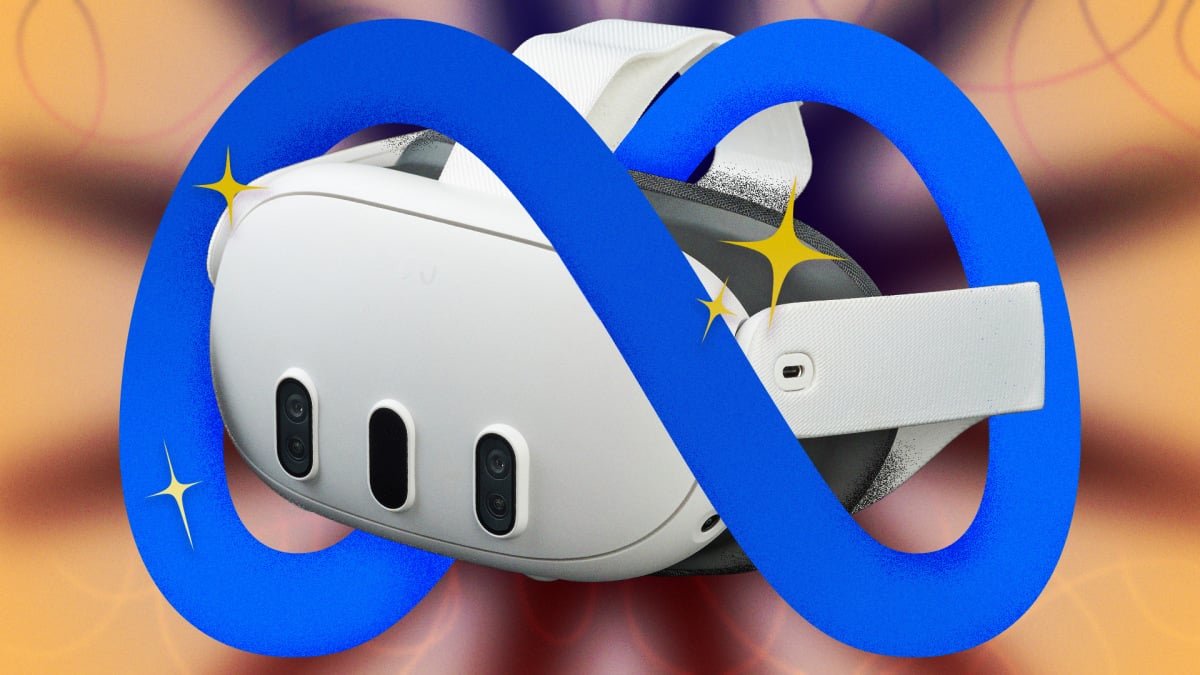
Meta’s strategy for its Quest 3 and 3S VR headsets is clearly to make virtual and mixed reality as easy, fun, and affordable as possible, but they might have done the job a little too well. All that user-friendliness has left a lot of power on the table. Casual Questers don’t know that the Snapdragon XR2 Gen 2 processor is powerful enough to handle spatial computing and multitasking that rivals some laptops, and that they can link their headset to a PC for close-to-4K visuals that rival much more expensive headsets. With the right software and a little bit of monkeying around with (often-hidden) settings, you can take the Quest 3 and 3S way beyond its the out-of-the-box performance. Below are ten hacks every Meta Quest user should know to get the most out of their headset.
If you choose just one hack, it should be downloading Quest Game Optimizer. QGO is a third-party utility that lets you control a ton of hidden settings for any Quest game or app. Meta typically locks its hardware to conservative clock speeds to preserve battery and thermal headroom, but QGO lets you force the Quest’s chip to work at its maximum power. Most impressively, it lets you to increase the internal render resolution up to 300%, effectively “supersampling” your games to match the high-fidelity density of the Quest 3’s pancake lenses. It really makes a difference.
As you might have guessed, you won’t find QGO on the official Meta Store, and it takes some lightly hacker-ish work to set up. To get it running, you’ll need to:
-
Purchase the software. It’s currently $9.99 on itch.io.
-
Create a developer account with Meta. This is free, and you can do it from inside your headset.
-
Enable Developer Mode on your Meta account.
-
Uncompress the QGO app. Either sideload the compressed Android file on your PC using a tool like SideQuest, or unzip it straight in the headset using a file manager like AnExplorer or Mobile VR Station.
-
Grant Accessibility Permissions within the headset to allow the optimizer to override system defaults.
That’s the gist, but check out these deeper guides for how to do all of the above with just your Quest headset, with SideQuest and a PC, and through Meta Quest’s developer’s mode.
Link your Quest to your PC
You can take the Quest 3 beyond standalone by linking it to your PC, either tethered or with a virtual link. This offloads the computing to a more powerful processor, turns your headset into a high-def display, and lets you use programs like Half-Life: Alyx or Microsoft Flight Simulator that would be impossible to run natively. You’ll seriously be shocked at how good they look and how smoothly they run. You can do this in two ways:
Wired
This is the best choice for the highest possible fidelity visuals and the easiest set-up, plus you don’t have to worry about how fast your wifi works.
Wireless
This is the choice if you want the freedom of wireless connection and you have really reliably wifi.
-
For best results, connect your PC to your router via Ethernet, make sure your Quest 3 is on a 5GHz or 6GHz (Wi-Fi 6E) band, and use the Quest and PC in the same room.
-
Run Meta Horizon Link on your PC.
-
In the Quest, go to “quick settings” and select the “Link” tile.
-
Switch “Use Air Link” to “On,” select your PC, and hit “Pair.”
-
Click “Launch” and you’ll be streaming directly from your PC to your face computer.
Meta lets users test out “coming soon” features in its experimental menu and get an early look at “quality-of-life” improvements, most of which will be heading to the Quest soon. Among other improvements, the current experimental menu contains a couple of bangers: “lying down mode,” and “Meta AI” integration. Here’s how to check it out:
-
Open the “Settings” menu.
-
Scroll down to the Experimental tab on the left-hand sidebar.
-
Toggle the features you want to try.
This brand new (as of February 2026) feature is evidence of how hard Meta is leaning into mixed reality. Spatial locking lets you anchor windows wherever you want in physical space, so you can look at your real television and see a virtual one, have three virtual monitors extending your workspace, or create a window to YouTube over your sink for when you’re washing dishes. Bonus: The Quest will remember where these windows are when you restart it.
Here’s how it works:
What do you think so far?
-
Make sure you’re in pass-through mode.
-
Open a window in your headset.
-
Grab the window with the control bar at the bottom and move it where you’d like.
-
Select the “anchor” icon on the control bar.
-
This won’t work with travel mode. But speaking of travel mode…
Yes, you’ll look sort of dorky on a plane, but the Quest 3’s travel mode makes it possible to use your Quest on the road by creating a stationary boundary, and setting the Quest to ignore external velocity and rely only on head movements. Here’s how to turn it on:
Bigscreen Beta is the go-to video streaming app on Quest headsets. It allows you to sit in a highly detailed virtual environment—a cozy modern living room, a massive outdoor drive-in, another planet, etc.—and stream video. You can use the Bigscreen Remote Desktop tool on your PC to stream content from Netflix, Disney+ or just about anywhere else directly into your virtual environment. Not only that, you can stream content directly from Bigscreen into your private space, invite friends over to watch with you, or watch movies and TV with strangers in shared virtual theaters.
If you have an Xbox Live account, you can play (2D) Xbox games right from your VR headset, giving you a portable game console with a 100″ screen. Here’s how it works:
-
Download the XBox app on your Quest headset.
-
Pair a controller with your Quest. Quest controllers aren’t made to work with XBox games, so you’ll have to use Bluetooth to pair a game controller to your Quest. You can use an XBox controller, a PS5 controller, a Switch 2 controller, and a ton of generic controllers.
-
Run the Xbox app and choose a game.
-
Enable passthrough. This lets you play your game on as big a screen as you’d like while still being in the “real” world.
-
There can be some latency, as the game is being run from the cloud, but it’s surprisingly smooth in my experience.
WebXR might be the Quest’s biggest secret. It lets you use a seemingly infinite number of games and apps that are not available in the Meta store, and are almost all free. Since WebXR apps are browser based, all you have to do is point your Meta browser to a site that hosts a WebXR program and hit go. If you like experimental little tests and whatnot, you’ll never run out. Here are some to check out:
-
Moon Rider: A totally free, open-source alternative to Beat Sabre.
-
Silkbrush: A web-based version of the famous Tilt Brush that lets you paint in 3D space.
-
Above Par-adowski: A surprisingly deep browser-based miniature golf game.
You can do a lot with your Quest without even turning it on. The Meta Horizon mobile app lets you manage your library, download games, change your settings, and more, all without strapping anything to your face. Browsing the Meta store feels way more natural on the app, and it’s easier to navigate and change setting there too. Plus, the app can tell you how much charge is left in your battery, whether your friends are online, download screenshots and videos, and cast what’s going on in your headset to another screen.
The Meta Quest 3 is ergonomically fine for shorter sessions, but if you wear it long enough, you realize how much the design is a battle between comfort and performance, and it compromises on both ends—it’s kind of heavy and the battery life is kind of short. The front-weighted design puts pressure on your face and the battery life rarely survives a two-hour session, but there’s a solution to both problems: Trade the stock fabric strap for a third-party “Elite” style strap with a built in extra battery, like the KIWI design H4 Boost or the BOBOVR S3 Pro. These move the extra weight to the back of your head, balancing the ergonomics, and they have swappable extra batteries so you can use your headset as long as you’d like.