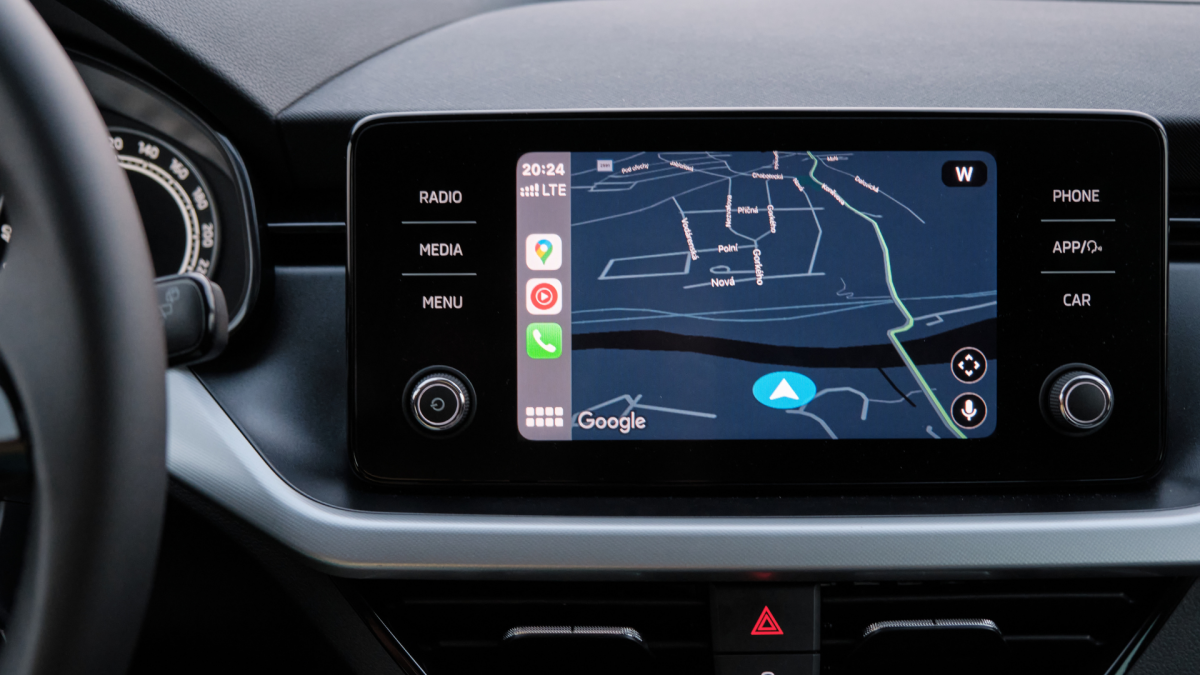
Android Auto users are reporting a bug that is making their cars disappear from the road—ok, not literally, but within Google Maps. On both Reddit and Google’s own support forums, drivers now say their car icons are sporadically disappearing from their navigation screens while using the Google Maps app through Android Auto. Some users have discovered workarounds, but the fixes don’t appear to be consistent for everyone. Here’s what’s happening, and what you can do to try to fix it.
Why are car icons disappearing in Google Maps in Android Auto?
The news first started popping up six days ago, on a Reddit thread where multiple users reported problems with their car icons disappearing while using the Google Maps app through Android Auto. According to these drivers, when the bug was triggered, the map would move around normally, and traffic data and navigation instructions continued to display as expected. However, the icon indicating their car’s position would suddenly disappear from their screen, making it difficult to know where exactly they were in comparison to the road. That’s not ideal if you’re trying to judge when your next turn is coming up.
According to the thread’s original poster, the issue popped up for them on the Android Auto version 16.1 release, although others mentioned the issue occurring as far back as version 15.9. The bug doesn’t appear to happen all the time, but “reliably” appears when leaving Google Maps, opening another app in fullscreen, and either returning to Google Maps in fullscreen or pulling it up alongside the new app in a splitscreen view. To get their icon back, the original poster had to force quit Google Maps on their phone, but this wouldn’t stop the bug from occurring again in the future. Google itself has not yet offered public comment on the issue, although I’ve reached out to the company and will update this post when I hear back.
How to fix Google Maps in Android Auto
If you’re encountering a disappearing car icon while using Google Maps through Android Auto, there are a few fixes that have worked for community members, although whether they’ll work for everyone appears to be inconsistent.
Try updating or downgrading your Android Auto version
The timing of this bug appears to line up with the Android Auto v16.1 release, which launched last week. While the bug has been reported appearing on older versions of the app, like Android Auto v15.9, it could be worth trying out another version of Android Auto to see if it clears up the issue. For instance, one user mentioned that installing Android Auto V16.0.66 fixed the issue for them. If you’re on an older version, you can update to a newest one from the Android Auto listing on the Play Store. If you’re on a newest version and want to try an older one, though, you’ll need to uninstall your Android Auto app and manually sideload the older version using a trusted APK file. Because these can be tricky to verify, this might not be the best option for most people.
What do you think so far?
Try changing your Android Auto car icon
Multiple users in the original Reddit thread, including the original poster, pointed out that the bug only seems to affect them when using a non-default car icon. Until Google issues a fix, one solution might be to change your car icon back to the standard white arrow within a blue circle. To change your car icon in Google Maps, open the app on your phone while not connected to Android Auto. Start navigating to a location. Tap on your car icon, and swipe left or right to adjust the icon until you land on the default white arrow within a blue circle. The next time you connect your Google Maps app to Android Auto, your car’s icon should be updated. Note that this isn’t a guaranteed fix. One user on a Google support forum, for instance, said that their arrow icon also disappeared from Google Maps in Android Auto when returning from another app.
Avoid triggering the bug, or use an alternative navigation app
If there is one saving grace to this bug, it’s that the circumstances for triggering it seem to be pretty consistent. That means you can largely avoid it if you simply don’t leave the Google Maps app once you open it. But while that might be OK for short trips, it’s not ideal for longer ones, where you might want to adjust a podcast or playlist during your drive. You can manually restart your Google Maps app on your phone every time the bug pops up, but not only is that annoying, it’s possibly dangerous if you’re in the middle of a drive.
If none of the above fixes work for you and you want to retain the ability to exit your fullscreen navigation app without losing your car icon, it might be worth putting Google Maps to bed for now and using an alternative navigation app. Google’s own Waze app, for instance, works with Android Auto and does not seem to have this bug right now. Alternative navigation apps do have their own pros and cons, as Waze focuses less on comprehensive mapping and more on real-time crowdsourced traffic information when determining routes. However, it might be worth a shot. If Waze doesn’t work for you, other popular navigation apps compatible with Android Auto include Sygic GPS and TomTom – Maps & Traffic (formerly TomTom AmiGo).