No Result
View All Result
Global Finances Daily
  • Alternative Investments
  • Crypto
  • Financial Markets
  • Investments
  • Lifestyle
  • Protection
  • Retirement
  • Savings
  • Work & Careers
No Result
View All Result
  • Alternative Investments
  • Crypto
  • Financial Markets
  • Investments
  • Lifestyle
  • Protection
  • Retirement
  • Savings
  • Work & Careers
  • Login
Global Finances Daily
No Result
View All Result
Home Protection

Android Auto’s Best Kept Secret Is a Programmable Shortcut

January 28, 2026
in Protection
0
Android Auto's Best Kept Secret Is a Programmable Shortcut


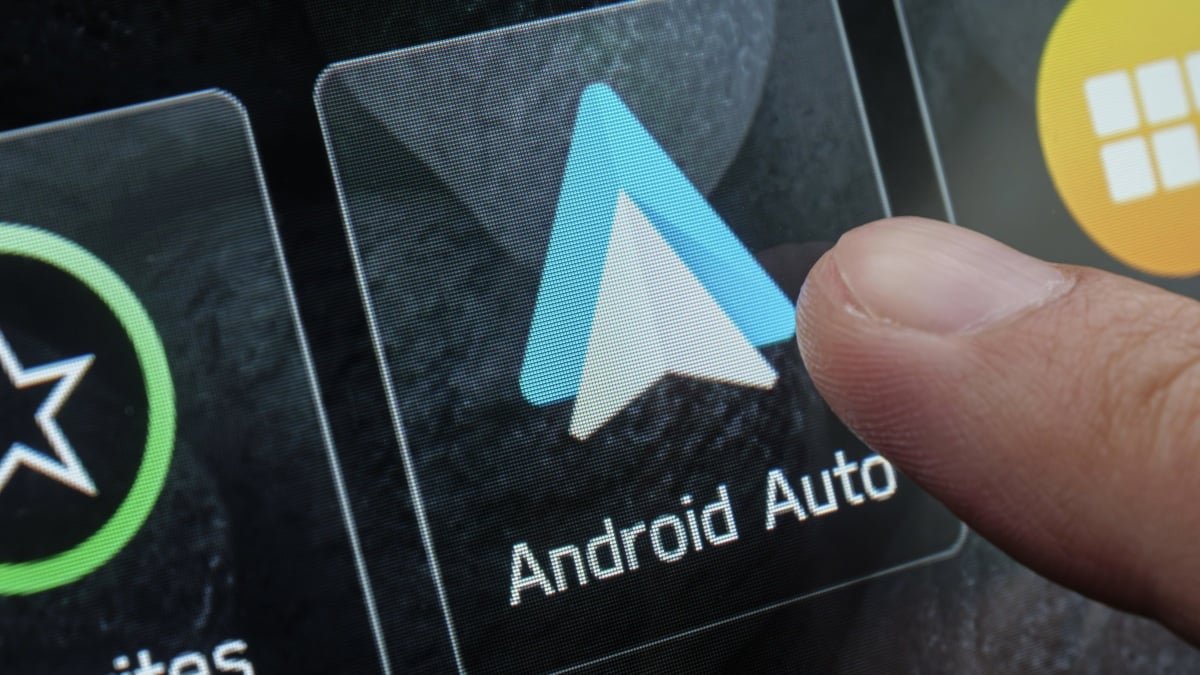
There’s so much visual stuff you can customize in Android Auto. But Android Auto’s capabilities go beyond aesthetics and the apps that pop up when you turn on the car. There’s a hidden shortcut switch you can enable to run an action in the car that’s programmed on your phone. No matter what car you’re driving, if it has Android Auto, the shortcut is there.

This is the Custom Assistant Shortcut, and it’s been part of Android Auto since early 2021. The feature is worth revisiting now that Gemini is slowly rolling out to replace the legacy Google Assistant on Android Auto. Gemini’s natural language processing enables it to handle more complex routines, so you’re not just programming a rote command you could have otherwise said out loud. The Custom Assistant Shortcut is labeled a “secret” feature because it’s camouflaged beneath a main text label in the Android Auto settings menu. I didn’t even think to look for it until I stumbled across the trick on an Android blog, but once you find it, it only takes a minute to set up.


Credit: Florence Ion/Lifehacker

There are several ways to configure the Custom Assistant Shortcut. For example, if you rely on the latest episode of a podcast to carry you through the morning commute, you could set up a shortcut to play the most recent episode via an app that plays well with Gemini, like Spotify or YouTube Music. I prefer to use the Custom Assistant Shortcut for a simpler sequence of actions: finding the nearest branded gas station, no matter where I am in my journey. I programmed the shortcut with the command “Navigate to the nearest [branded gas station].” This begins driving directions to the fuel station I specified, where I can count on adequate lighting and decent bathrooms. It’s easier than pawing through the Google Maps app on the Android Auto screen, then looking for the sub-menu option that shows fuel stops, and then sorting through every single option within five miles when you select it. This version of the shortcut is also super helpful on road trips, especially solo ones.

A screenshot showing where to write the command for the custom assistant shortcut


Credit: Florence Ion/Lifehacker

If you’re into home automation, this shortcut gets even more powerful. You can program a Google Home Routine so that a phrase triggers a domino effect of actions. Imagine a routine that prepares for your arrival by opening the garage door, disarming the security system, and turning on the lights before you’ve ever pulled into the driveway.

How to build the Custom Assistant shortcut in Android Auto

You don’t need to be in your car to set up the Custom Assistant Action. On your phone, navigate to your Android Auto settings, then scroll down and tap on Customize launcher. Under the main heading, tap the smaller text that says Add a shortcut to the launcher. Select an Assistant action.

A screenshot of the option that says


Credit: Florence Ion/Lifehacker

From here, the most robust option is to write out a specific command. Something like “Navigate Home,” or “Play the latest episode of [podcast title] on [media player].”


What do you think so far?

A screenshot showing what the shortcut looks like before it's programmed


Credit: Florence Ion/Lifehacker

Test out your Custom Assistant Shortcut

You can take the shortcut for a spin in your car before hitting the road. The ability to test the command will pop up when you connect your phone to the car. You’ll see your new shortcut appear in the app drawer as a standard app icon. It will have a small Gemini asterisk in the corner to distinguish it from native apps (it may still show the legacy Assistant icon in your phone’s settings).

The “Test Command” button is on the same page where you set up the Custom Assistant Shortcut. Tap it, and you’ll know your shortcut is working if the signature rainbow Gemini glow pulses at the bottom of the screen. If not, try adjusting the wording of your command and continue testing until it’s a go.

Things to note about Custom Assistant Shortcut in Android Auto

These actions are tied to your Google account on your phone, so if you hop into another car with Android Auto, the button will follow you to the display. Remember that Gemini requires a stable data connection to process those requests. If you’re driving through a cellular “dead zone,” the shortcut might hang, which is annoying while driving. If the shortcut is hard to find in the app drawer, remember you can return to the Customize Launcher menu in the phone’s settings and reorder the shortcuts so they’re at the top of the drawer.


Editorial Team

Editorial Team

Related Posts

The Eufy E15 Robot Lawnmower E15 is 59% Off Right Now
Protection

The Eufy E15 Robot Lawnmower E15 is 59% Off Right Now

April 28, 2026
Spotify Now Has Peloton Workout Videos
Protection

Spotify Now Has Peloton Workout Videos

April 28, 2026
DirecTV Just Released an App for Meta Quest Headsets
Protection

DirecTV Just Released an App for Meta Quest Headsets

April 27, 2026
Here's How Microsoft's New Windows Insider Channels Work
Protection

Here’s How Microsoft’s New Windows Insider Channels Work

April 27, 2026
Current Trends Explained: Staged Infidelity TikToks
Protection

Current Trends Explained: Staged Infidelity TikToks

April 27, 2026
Here's What We Know About OpenAI's Rumored Smartphone
Protection

Here’s What We Know About OpenAI’s Rumored Smartphone

April 27, 2026
Load More
Next Post
One year after DeepSeek, Chinese AI firms from Alibaba to Moonshot race to release new models

One year after DeepSeek, Chinese AI firms from Alibaba to Moonshot race to release new models

Popular News

  • Young workers most worried about AI affecting jobs, Randstad survey shows

    Young workers most worried about AI affecting jobs, Randstad survey shows

    0 shares
    Share 0 Tweet 0
  • Kering’s fourth-quarter sales fall less than expected even as Gucci slide continues

    0 shares
    Share 0 Tweet 0
  • Goldman Sachs buys $260M in XRP, Solana ETFs: SEC filing

    0 shares
    Share 0 Tweet 0
  • Ethereum price steadies as open interest drops 50%

    0 shares
    Share 0 Tweet 0
  • Logan Paul’s $5.3 million Pokémon bet raises a bigger question: Do collectibles belong in your portfolio?

    0 shares
    Share 0 Tweet 0

Latest News

BCI March 2026 slides: first salt crystals amid 81% construction

BCI March 2026 slides: first salt crystals amid 81% construction

April 28, 2026
0

BCI March 2026 slides: first salt crystals amid 81% construction

GENIUS Act

GENIUS Act Ready Or Not? BitGo Says Here Are The 5 Fixes For Successful Rollout

April 28, 2026
0

Trusted Editorial content, reviewed by leading industry experts and seasoned editors. Ad Disclosure Following the US Treasury Department and the...

Trump not happy with latest Iran proposal to end the war, US official says

Trump not happy with latest Iran proposal to end the war, US official says

April 28, 2026
0

Trump not happy with latest Iran proposal to end the war, US official says

Bitcoin Bears At Risk Of $1.4B Liquidation If BTC Rallies To $80K

Bitcoin Bears At Risk Of $1.4B Liquidation If BTC Rallies To $80K

April 28, 2026
0

Key takeaways:Persistent spot market accumulation from Bitcoin ETFs and Strategy provided a price floor for Bitcoin and threatens to trigger...

Global Finances Daily

Welcome to Global Finances Daily, your go-to source for all things finance. Our mission is to provide our readers with valuable information and insights to help them achieve their financial goals and secure their financial future.

Subscribe

  • About Us
  • Contact
  • Privacy Policy
  • Terms of Use
  • Editorial Process

© 2025 All Rights Reserved - Global Finances Daily.

No Result
View All Result
  • Alternative Investments
  • Crypto
  • Financial Markets
  • Investments
  • Lifestyle
  • Protection
  • Retirement
  • Savings
  • Work & Careers

© 2025 All Rights Reserved - Global Finances Daily.

Welcome Back!

Login to your account below

Forgotten Password?

Retrieve your password

Please enter your username or email address to reset your password.

Log In
This website uses cookies. By continuing to use this website you are giving consent to cookies being used. Visit our Privacy and Cookie Policy.