Apple has made huge strides with the Notes app in iOS 18. One of its best features is the ability to record and transcribe voice notes in English. While I love this feature, it doesn’t help people who speak other languages, at least for now. That’s where Cleft steps in. Cleft lets you quickly record voice notes and uses AI to transcribe them into several languages, not just English. It can also intelligently add subheadings and other small tweaks. It has one of the smoothest workflows I’ve seen to go from recording an idea to having a nicely formatted transcript.
Getting started with Cleft
Credit: Pranay Parab
At time of writing, Cleft’s Mac app is fully functional, but the iPhone app is only available through TestFlight. It’s still usable, but being in beta, it’s not on the App Store yet. That’s set to change “in the next few weeks,” according to Cleft’s roadmap.
If you don’t want to deal with a beta, the Mac app is easy to set up. Just use your email address to sign in, grant a couple permissions (microphone and accessibility), and you’re good to go. I also tried the iOS app and the setup process is similar.
After you install the app, go to its settings and choose your language. That way, the app will be able to transcribe your notes better. You can also let the app automatically detect your language, although that introduces some ambiguity.
Jotting down your thoughts

Credit: Pranay Parab
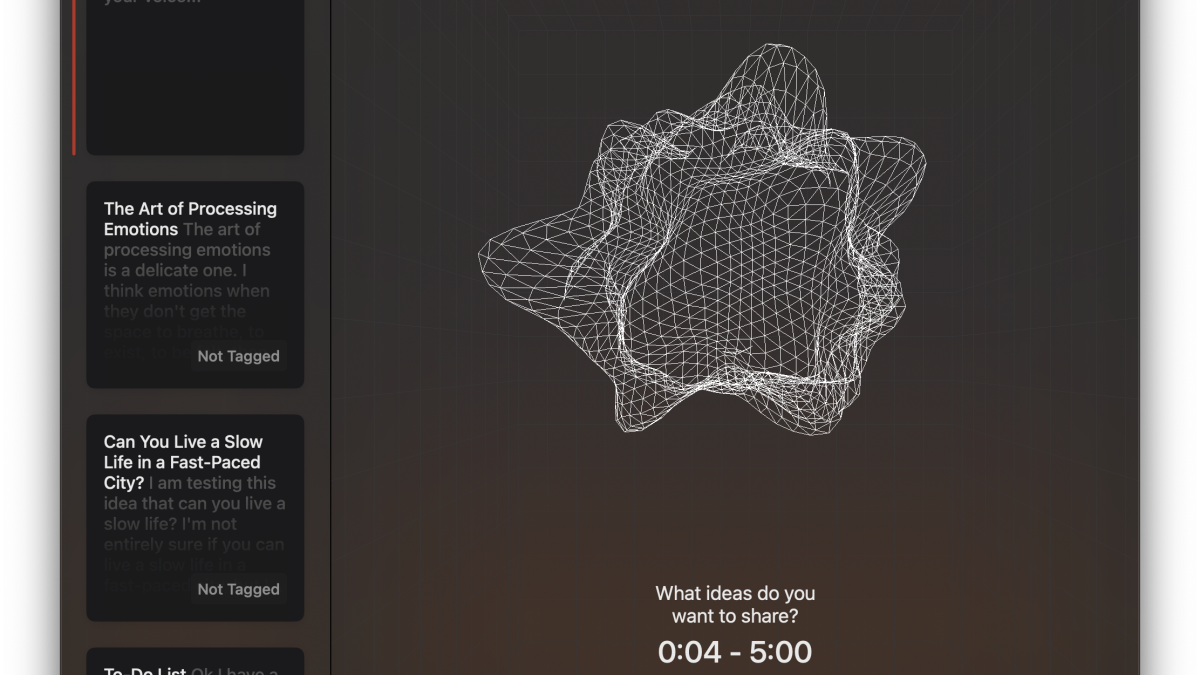
Cleft’s best feature is its speed. It takes one tap to start recording a note on your iPhone and two on the Mac. This is because the Mac app has you first choose between a text note and a voice note, while the iPhone defaults to voice notes (you can still use text for notes on mobile, but you have to edit a voice note first rather than starting with just text).
I love how Cleft can automatically transcribe and format my voice recordings. I just hit the record button to create a quick to-do list for the day. When I was recording an example for this article, I spoke about my evening plans—write articles, join a meditation, and pack for upcoming travel. Cleft got all this down and instantly created three headings: Writing Tasks, Meditation, and Travel, with sub-tasks displayed correctly under each one. The note was titled To-Do List, which is a helpful label. This is a genuinely great use of AI tools to make your life easier.
There are some issues with the app taking those liberties, though. When I recorded a voice note with thoughts about leading a slower-paced life, Cleft transcribed it perfectly, but added two new headings: Ideas to Slow Down, and Benefits of a Slower Life. Both of these headings contained AI-generated bullet points related to the headings, showing information I hadn’t asked for. I didn’t like this at all. I made the voice note with a blog post in mind, but it’s not helpful at all to add generated text to my notes unless I explicitly ask the app to do so. Luckily, after this experience, I started asking Cleft not to add AI-generated text to my notes (I just said “don’t add any AI generated text to this note” before I finished recording), and it was able to follow my instructions. I hope the developer reconsiders this and tunes the app to be a little less aggressive with generating AI text.
Going forward, I see myself using Cleft to make quick notes about tasks that I keep remembering at odd hours. It’s a good way to remind myself to do semi-important things that I somehow always keep forgetting to do, such as log a story idea that occurred to me during a walk, or picking up that one grocery item that I always forget to order (usually rice).
Cleft’s advantages over Apple Notes

Credit: Pranay Parab
Plenty of people are very happy with Apple Notes, and for good reason. The app is free, reliable, and feature-packed. However, Cleft does a couple of things better. First, it supports nearly 60 language for transcription, which makes it far more useful for voice notes. Second, Cleft runs on iOS 17 as well as iOS 18, which makes it more accessible. Finally, Cleft also supports automations for paying subscribers. You can automate using Zapier or Obsidian (one of the best notes apps out there).
Cleft has a generous free tier that lets you record up to five minutes of voice notes per recording. The premium tier costs $8/month and lets you record up to 30 minutes per voice note, access Zapier and Obsidian integrations, and lets you attach images and documents.