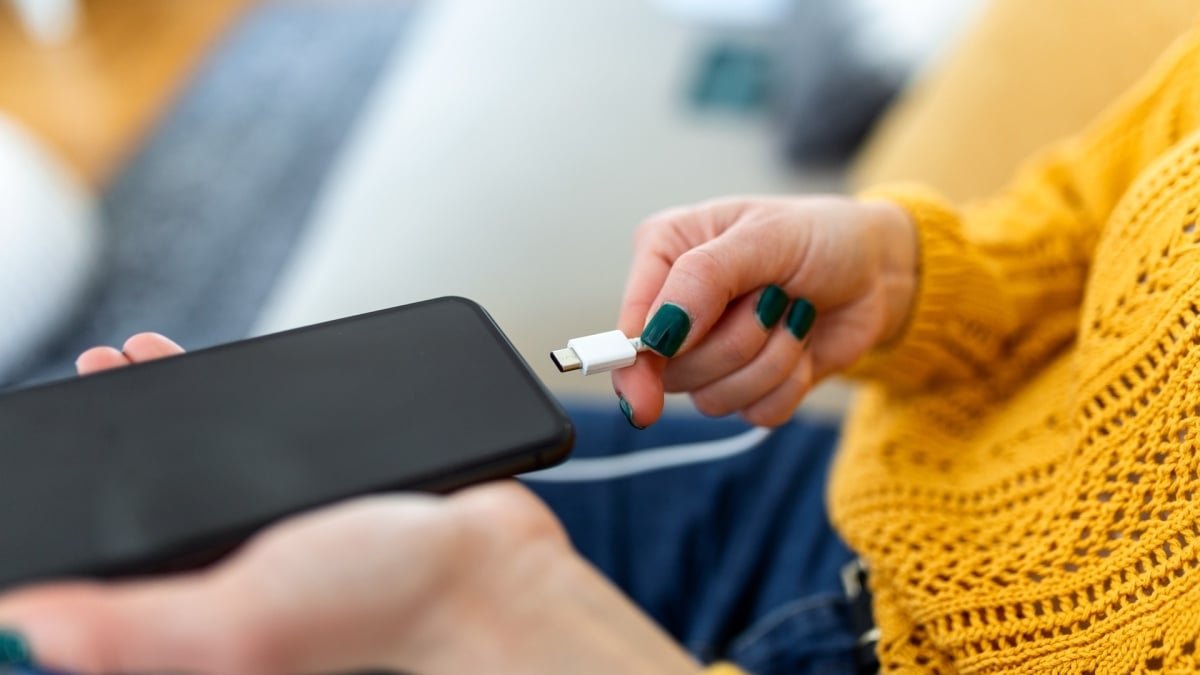
Getting a little bit of extra juice into your phone before you leave your house in the morning could make the difference between the device still having power at the end of the day or not. But there are multiple factors that affect charging rate, and you might not be aware of all of them.
Run through the tips here, however, and you can be sure your phone is always charging up as quickly as possible.
Use a wired power source
To begin with, you’re going to get your phone charged a lot faster if you plug it directly into a power source rather than putting it on a wireless charger. Wireless charging offers a lot of convenience, and is gradually getting faster and faster as far as charging rates go, but wired charging is still a long way ahead.
Take the Samsung Galaxy S25 Ultra, for example: You get a maximum charging rate of 45W with a wired connection, and 15W with a wireless connection over Qi2. That means the handset is going to take around three times longer to charge its battery via wireless charging. The figures for other handsets are similar.
Wireless charging: convenient but not that fast.
Credit: Google
Not only is wireless charging slower, it’s typically less efficient as well, with more of the power being supplied to the phone lost as heat (due to the way the electricity is converted to a magnetic field and back again). With a cable and a plug, charging is faster, and it’s healthier for your battery as well.
Wired is the way to go if at all possible, and what you plug your phone into makes a difference as well. Wall sockets are very good for charging rates, while anything else is less good—options like laptop USB ports, USB hubs, and sockets you might find on other gadgets such as monitors won’t supply as much power.
Use the right cable and charger
A lot of phones don’t come with a charger and cable in the box these days, but they will have a fast-charging standard and a max charging rate associated with them if you check the specs. You then need to find a charger that matches that charging rate, together with a cable that’s not going to slow anything down.
If you look at the iPhone chargers made by Apple and on sale from its store, there are 20W, 35W, and 60W options—and the latter is going to juice up your handset the fastest. You should also look out for a mention of USB Power Delivery (PD), though this is included on pretty much every charger you’ll find at this stage.

Not all charging blocks are created equal.
Credit: Apple
We’ve written in-depth before about USB-C cables and charging blocks, and these will again list a charging rate along with them (or at least they should). You need to make sure every link in the chain is delivering power at the maximum rate your phone can handle if you want to fully recharge as quickly as possible.
You can use cables and chargers you have lying around for laptops, tablets, and other gadgets with your phone safely enough—the handset will have built-in safety features to prevent it from drawing too much power—but for the best results you’ll generally want to stick with what comes in the box or the officially approved option.
Don’t use your phone while it’s charging
There are a few other tricks you can try if you want to max out charging speed. Think about the amount of power your smartphone is using while it’s actually being charged: If you’re constantly scrolling through social media feeds, watching videos, and playing games, then you’re using precious battery life while recharging.
What do you think so far?
If you can, put your phone down and leave it alone while it’s charging—you might want to turn off the always-on display to help things a little bit more. For even better results, put your phone into airplane or low power mode, or turn it off entirely while it’s charging (those notifications can wait).

Airplane mode can help charging speeds along.
Credit: Lifehacker
Watch your phone’s temperature
Due to battery chemistry and the safeguards built into modern handsets, charging speeds slow down if your phone gets too hot or too cold. Keep your phone away from sunny window ledges or freezing bathrooms while it’s being charged to maximize charging speed.
It’s a good idea to remove any case around your phone while you’re charging it, to reduce the chances of the battery temperature rising an extra notch, and it’s also worth checking the USB-C charging port on your phone to make sure it’s dust- and lint-free—even a slightly imperfect connection can affect charging speeds.
Monitor charging speed
However you’re charging your phone, both Android and iOS let you keep an eye on how fast the battery is being replenished. If you’ve got a Pixel or Galaxy phone, keep an eye on the charging message at the bottom of the lock screen: This tells you how quickly your phone is being charged, and how long it will be until you reach a full charge.
For most Android devices, you can get more information by opening up the Battery page in Settings, though the details you get here will differ among devices: You should see whether or not fast charging is enabled, and maybe an estimate for how long a full recharge will take, but you won’t typically get an actual wattage reading.

The charging notification on a Pixel.
Credit: Lifehacker
With iPhones, you can visit Battery in Settings to get information about how the battery recharge is going. While there’s not a whole lot of information here, you can get an estimate of how long a charge will take, and you will see a “slow charger” message if your iPhone can support a charging rate faster than that offered by the connected charger.
There are several Android apps that measure charging rate. Ampere is one of the best: It’s free, with extra features (such as widgets and notifications) available for a fee. Note that you need to multiply current x voltage then divide by 1,000 to get the wattage. There isn’t really anything comparable on iOS, unfortunately—what few apps there are appear to be out of date and/or unreliable.