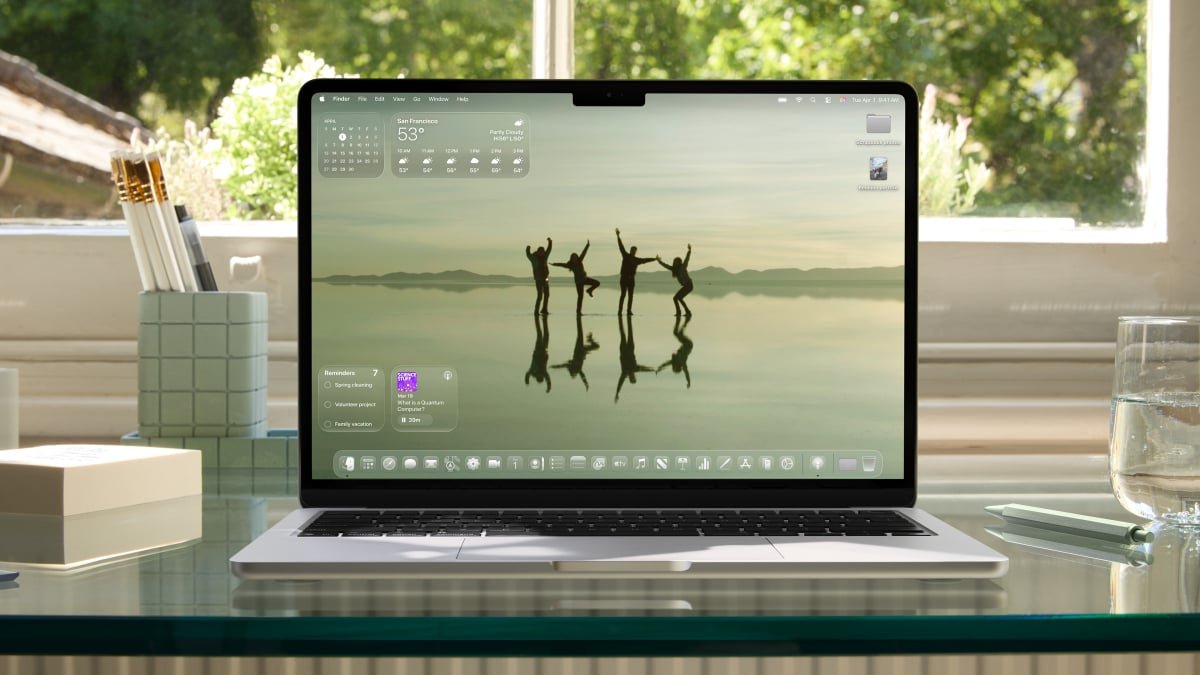
Apple’s annual WWDC event is here, and with it, a new macOS beta, complete with a new name and numbering scheme. There’s a lot that’s new this time around, actually, with Apple adopting a refreshed look across all of its operating systems. But you don’t need to wait to try it out. The latest version of macOS—macOS 26 Tahoe—is actually available now, in the form of a developer beta. Read on to learn how to start poking around with Apple’s latest computer operating system below.
How to install macOS 26 Tahoe
Before you can try out the latest version of macOS, you need to install it. Technically, the full release, and even the public beta, are a ways off yet. But there’s a workaround you can use to get your hands on it today.
Apple usually seeds developers with betas of its latest operating systems after the WWDC keynote, and this year is no different. This didn’t used to mean much for the average user, but now that Apple developer accounts are free, you can get your hands on the developer beta right away.
A word of warning first, though: These betas are early into development, and they could introduce a lot of instability to your computer. Always back up your Mac before installing a beta, especially a developer one, and be prepared for unexpected glitches. To be honest, you’re probably better off waiting for a more stable release, but if you can’t hold yourself back, I understand.
With that in mind, here’s how to install the macOS 26 Tahoe developer beta onto your device right now:
-
Sign up for Apple’s developer program here. Simply click “Start your enrollment,” log in with your Apple ID (it’ll need two-factor authentication enabled), enter your legal name and address, and wait for approval. You’ll also need to be over 18 (or whatever the legal age of majority is in your region).
-
Once you’re approved, head to your (backed up!) Mac and navigate to System Settings > General > Software Update. Click the i button next to “Beta updates.”
-
Choose the developer beta for macOS 26 and click Install. If you don’t see it, ensure you’re logged in with your Apple ID, which you can check toward the top of the left hand column in the System Settings page.
What to expect from macOS 26 Tahoe
Now that you’re on the latest version of macOS, you’re probably asking yourself “now what?” Well, there’s a lot to explore.
First, there’s the new name. Apple usually names new versions of macOS after famous Californian landmarks, and this one is named after Lake Tahoe. Simple enough.
The bigger news is that new number—macOS 26. If you’re confused, good eye. The macOS version before this was actually macOS 15, so what happened to everything in between? Well, Apple’s taking a Windows 95 approach here, and naming all of its new operating systems after the year now. While a bit disorienting, this move does make sense to a degree—it was hard to keep up with the old macOS version numbers unless you were an Apple diehard, but now, you just need to know the year to check if you’re up to date. Still, there is one confusing note—the full version of macOS 26 will likely come this fall, meaning it’ll technically be released in 2025. Go figure.
What do you think so far?
Speaking of being up to date, the new features: macOS 26 comes with a new look inspired by visionOS, which is supposed to add some translucency to the UI for a glassy appearance. There’s also a new gaming app that’s replacing Game Center, which is cross platform, and on Mac, is supposed to be able to serve as a launcher even for games you downloaded outside of the App Store.
Notes also now has Markdown support, the Journal app is on Mac now, and Messages will now let you run polls in your group chats and can translate messages automatically (rather than requiring a long press first). Notably, the Phone app is also here, so you can call over wifi. Plus, Apple Intelligence has a number of upgrades on the way, including that smarter Siri Apple keeps teasing, although it’s unclear when everything will finally be ready.
Finally, new accessibility features are here. These include a Mac version of Magnifier, plus new features for taking notes in braille, dealing with motion sickness, and customizing the font and size for various bits of text.
macOS 26 Tahoe compatibility
With that, you’re all set to download the latest macOS beta and start poking around. But know that you might need to upgrade your device first, if it’s a bit old. macOS 26 Tahoe is compatible with the following devices: