We may earn a commission from links on this page.
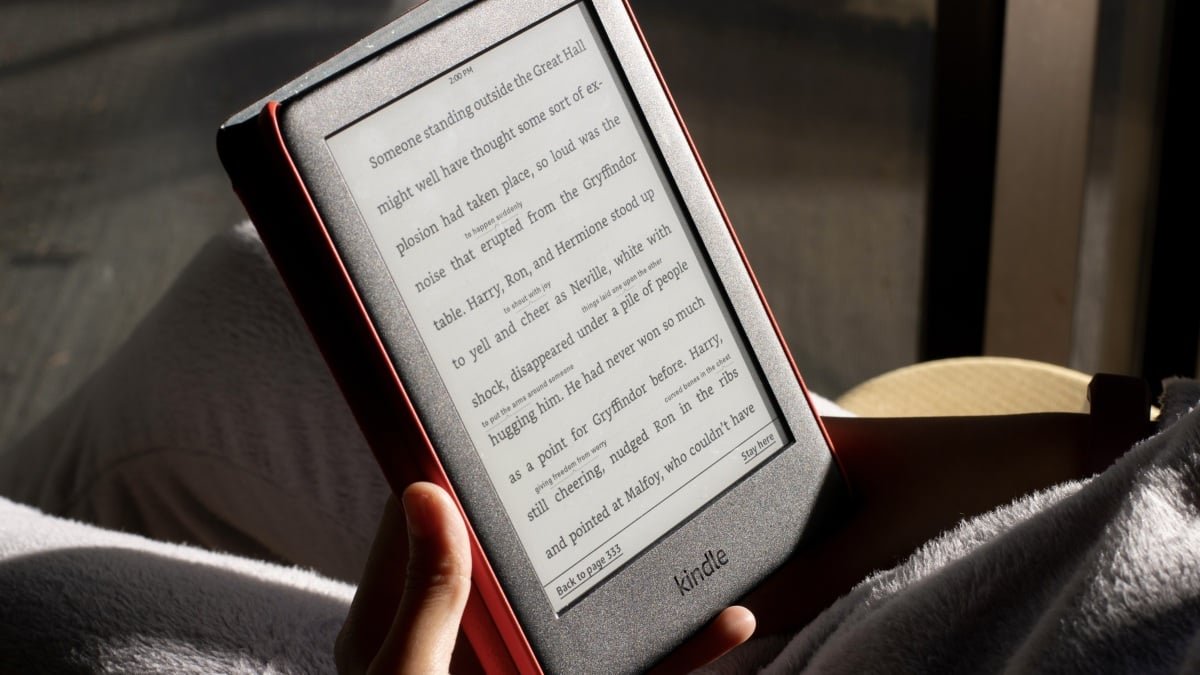
Kindles aren’t the type of device you need to upgrade every couple of years. Because many of these e-readers are such simple devices, they can easily last more than a decade on their own. In fact, there are Kindles from the early 2010s still going strong. The problem with making your Kindles last isn’t hardware; it’s software controlled by Amazon.
Amazon recently announced that starting May 20th, 2026, they are planning to stop supporting Kindle devices that were released in 2012 and earlier. It’s not just software support that Amazon is dropping, either: These devices will no longer be able to access the Amazon store to download, purchase, or borrow books—effectively leaving them in limbo. Amazon wants you to buy a new Kindle, which you could consider if you want something that will run the way you’re used to. But it’s not your only choice. Instead, you can jailbreak your Kindle and get it out of Amazon’s control.
Why you should jailbreak your Kindle
Jailbreaking your Kindle essentially means installing a custom operating system with extra features. One popular choice is KOReader, a simple yet feature-filled document reader that supports a number of formats. Once your device is jailbroken and loaded up with new software, it will feel like you’re using a new device. Kindle’s store will be gone, as will the ads, and you’ll be left with a streamlined reading experience. Using KOReader, you’ll also be able to read ePub ebooks natively on the Kindle, without the need to convert them to Kindle’s Mobi format. You’ll have to sideload the books, which means you’ll get them from external sources, but you can do so wirelessly using a ebook management app like Calibre. This can put you in murky legal territory, but there are ways to purchase sideloaded books legally. A jailbroken Kindle also has a lot of customization options. You can load up custom fonts, customize the home screen, and add extra features like a book map, which shows you a visual representation of your journey through a book.
Before you take these steps, you should be aware of the risks. For older devices, the first step to jailbreaking is a factory reset. Any data you haven’t backed up will be lost in the process. When you jailbreak, there’s also a risk that you will brick your device, which may leave it stuck at the booting screen, or without the ability to turn on. If this happens, it might be difficult to bring your Kindle back to life. Finally, jailbreaking your Kindle requires downloading unofficial software from forums, which puts you at risk of malware and other malicious intentions. The forums linked in the guides below are popular, and users don’t typically report issues, but be warned: jailbreaking comes with risks to your device and your data.
Jailbreak your Kindles with these resources
If you’re using an older Kindle, and it’s running anything below firmware 5.14.2, you will have to use the WatchThis jailbreak method. This includes all older Kindle models that Amazon isn’t supporting anymore. This can be complex, so if you fall into this category, follow David Gewirtz’s excellent guide on our sister site ZDNet.
What do you think so far?
The thing is, jailbreaking isn’t limited to older Kindle devices. If you have a relatively modern Kindle, you can still jailbreak it and get the benefits of running ad-free KOReader software. Given the fact that Amazon no longer lets you download the books you already own to your computer, there’s an incentive to go the jailbreak route. That said, this will only work if you’re running firmware 5.18.6 and below. As of writing, the latest Kindle firmware update is 5.19.2. If your Kindle auto-updated to this version, you are out of luck. Go to Settings > Device Options > Device Info to check your firmware version.
If you’re running the older version, you can use the WinterBreak jailbreak from Kindle Modding to jailbreak your Kindle. Kindle Modding has a detailed guide, with step-by-step instructions and screenshots for each step. Again, this comes with the same risks as above, but if you’re jailbreaking a newer Kindle, you may void your warranty as well. Proceed with caution.
Credit: KindleModding