No Result
View All Result
Global Finances Daily
  • Alternative Investments
  • Crypto
  • Financial Markets
  • Investments
  • Lifestyle
  • Protection
  • Retirement
  • Savings
  • Work & Careers
No Result
View All Result
  • Alternative Investments
  • Crypto
  • Financial Markets
  • Investments
  • Lifestyle
  • Protection
  • Retirement
  • Savings
  • Work & Careers
  • Login
Global Finances Daily
No Result
View All Result
Home Protection

How to Save Your Samsung Messages Conversations Before the App Shuts Down

May 4, 2026
in Protection
0
How to Save Your Samsung Messages Conversations Before the App Shuts Down


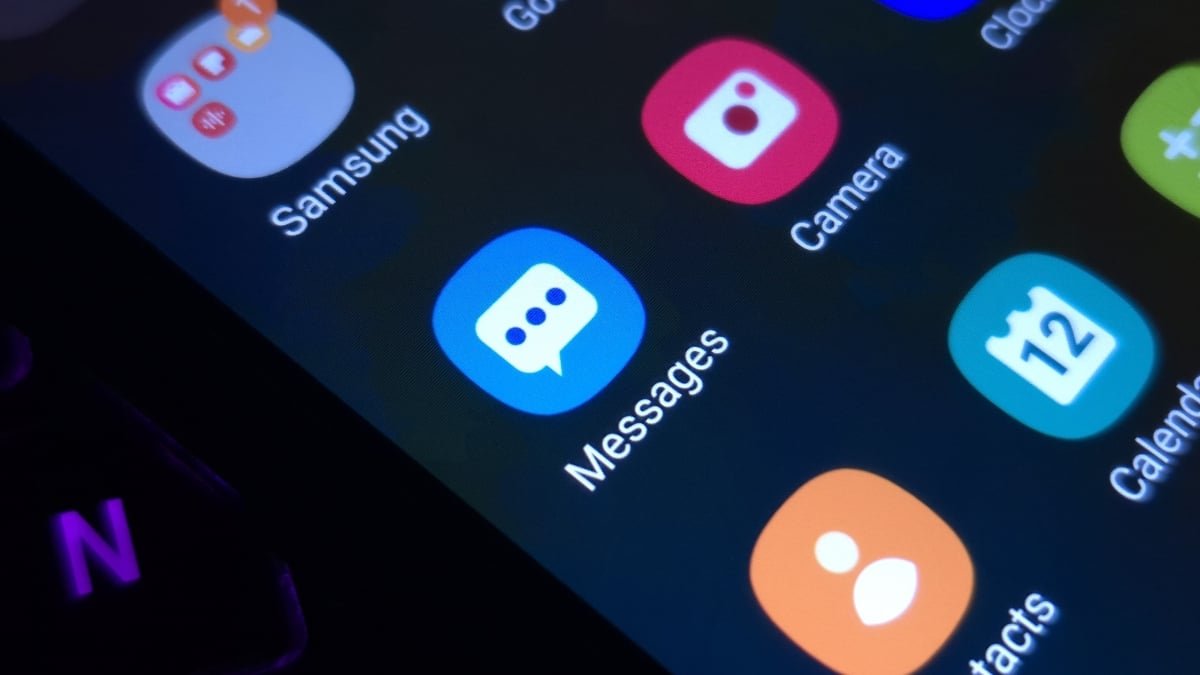
If you’re a long-time Samsung Galaxy user, your messaging app of choice might be Samsung Messages. Despite the company removing the app as a default several years ago, many still rely on it—though not for long. Samsung is shuttering the app in July, marking the end of an era for the Galaxy ecosystem. The app won’t be completely useless after this date, as Samsung says that you’ll still be able to contact both emergency services and emergency contacts. But aside from these limited scenarios, Samsung Messages will essentially be defunct.

As such, all Samsung Messages users need to plan for how they want to continue messaging on their Galaxy. While Samsung hasn’t told us which day the app will shut down, we do know it will happen sometime in July. That gives Samsung Messages users just over two months to find other arrangements—including how to move existing texts from Samsung Messages over to a new home.

Samsung recommends moving to Google Messages

In the company’s original announcement, Samsung strongly suggested that Samsung Messages users move to Google Messages instead. The company even took the opportunity to tout the advantages of Google Messages over Samsung Messages, including RCS support, AI features, cross-device functionality, and enhanced security features. It is a bit odd to see Samsung pushing a different company’s product like this, but it makes sense: For one, Google develops Android, but Samsung has already distanced itself from its messaging app. If it had to plug one app, it might as well be Google’s default.

Perhaps the biggest perk of choosing Google Messages, however, is that your existing Samsung Messages chats come along with the move. If you care about preserving your message history, this might be the simplest path forward—though it means going all-in on yet another Google product. If you tend to avoid Google apps and services, you have other options, but they might not be as convenient—especially if you’re looking to move your messages.

How to move from Samsung Messages to Google Messages

According to Samsung, the move is relatively straightforward. First, make sure you have Google Messages installed on your Galaxy. When you open it, the app will ask you to make it your default messaging app. To do so, hit “Set default SMS app,” choose “Google Messages,” then tap “Set as default.”


What do you think so far?

Now that the app is your default choice, your Galaxy should automatically begin moving texts from Samsung Messages to Google Messages. Samsung warns that this process can take some time, especially if you have a long message history saved on your device, so don’t be alarmed if your messages don’t transfer all at once.

Google Messages alternatives exist, but may not be as convenient

Google Messages is far from the only messaging app on Android. You can find any number of simple or feature-filled options on the Play Store, including, of course, Signal, Telegram, and WhatsApp. For basic SMS messaging, however, a few names frequently pop up: Textra, Chomp SMS, and Handcent SMS. These apps should offer a similar basic messaging experience to Samsung Messages, without having to jump to another Google app. Setting any of these as your default messaging app is as simple as the steps for Google Messages above.

However, it’s not clear if doing so will transfer your message history in the same way. While Google Messages supports an easy transfer, you might not have the same experience setting Textra or Handcent as your default app. As such, you may need to look into third-party backup and transfer services if you want your message history to move apps for certain. By far, SMS Backup & Restore is the app I see most recommended amongst Android users here. While Phone Arena’s Aman Kumar found it helped when transferring messages on his Android device, the focus was on a scenario where Google Messages didn’t migrate the messages on its own. It should be possible to back up your Samsung Messages with this app and import them to another messaging app, but it isn’t as obvious as it should be.



Editorial Team

Editorial Team

Related Posts

This Quick Fix Takes Care of Your iPhone Screen's Brightness Bug
Protection

This Quick Fix Takes Care of Your iPhone Screen’s Brightness Bug

July 9, 2026
How to Actually 'Regulate' Your Nervous System
Protection

How to Actually ‘Regulate’ Your Nervous System

July 9, 2026
10 New Features Coming to Apple Messages in iOS 27
Protection

10 New Features Coming to Apple Messages in iOS 27

July 9, 2026
The Samsung 180Hz Odyssey G5 Gaming Monitor Is $100 Off Right Now
Protection

The Samsung 180Hz Odyssey G5 Gaming Monitor Is $100 Off Right Now

July 9, 2026
Meta Now Lets Anyone Generate AI Images With Your Instagram Posts, but You Can Stop It
Protection

Meta Now Lets Anyone Generate AI Images With Your Instagram Posts, but You Can Stop It

July 9, 2026
The Best Books, Movies, Video Games, and Podcasts to Check Out After Watching ‘Mad Men’
Protection

The Best Books, Movies, Video Games, and Podcasts to Check Out After Watching ‘Mad Men’

July 9, 2026
Load More
Next Post
Strait of Hormuz traffic disrupted until September, Kalshi traders say

Strait of Hormuz traffic disrupted until September, Kalshi traders say

Popular News

  • Trump administration Harvard lawsuit: impact on applicants

    Trump administration Harvard lawsuit: impact on applicants

    0 shares
    Share 0 Tweet 0
  • Cathie Wood snaps up $38m Tesla dip after Musk stock rout

    0 shares
    Share 0 Tweet 0
  • Ethereum price holds 0.618 fibonacci support as bullish volume signals reversal

    0 shares
    Share 0 Tweet 0
  • Ray Dalio says Bitcoin blocks central banks

    0 shares
    Share 0 Tweet 0
  • The First Four Settings to Change on Any Boox E-Ink Tablet

    0 shares
    Share 0 Tweet 0

Latest News

This Quick Fix Takes Care of Your iPhone Screen's Brightness Bug

This Quick Fix Takes Care of Your iPhone Screen’s Brightness Bug

July 9, 2026
0

I've been plagued by an odd iOS bug for a while now. I couldn't tell you exactly when it started,...

Cointelegraph

Bitcoin Needs a Daily Close Above $64,700 to Seal Its Latest Rebound, Says Trader

July 9, 2026
0

Bitcoin (BTC) saw intraday highs after Thursday’s Wall Street open as US stocks rebounded on fresh Iran peace hopes.Key points:Bitcoin...

Curvd Earplugs Promo Code: Best Deals on Noise-Reducing Earplugs for July 2026

Curvd Earplugs Promo Code: Best Deals on Noise-Reducing Earplugs for July 2026

July 9, 2026
0

One of the most important things for me while traveling is having a bit of downtime, whether that be ensuring...

Wells Fargo loads up on Strategy while trimming BlackRock Bitcoin ETF - 1

Wells Fargo loads up on Strategy while trimming BlackRock Bitcoin ETF

July 9, 2026
0

Wells Fargo has expanded its exposure to Strategy while reducing part of its BlackRock Bitcoin ETF position, according to its...

Global Finances Daily

Welcome to Global Finances Daily, your go-to source for all things finance. Our mission is to provide our readers with valuable information and insights to help them achieve their financial goals and secure their financial future.

Subscribe

  • About Us
  • Contact
  • Privacy Policy
  • Terms of Use
  • Editorial Process

© 2025 All Rights Reserved - Global Finances Daily.

No Result
View All Result
  • Alternative Investments
  • Crypto
  • Financial Markets
  • Investments
  • Lifestyle
  • Protection
  • Retirement
  • Savings
  • Work & Careers

© 2025 All Rights Reserved - Global Finances Daily.

Welcome Back!

Login to your account below

Forgotten Password?

Retrieve your password

Please enter your username or email address to reset your password.

Log In
This website uses cookies. By continuing to use this website you are giving consent to cookies being used. Visit our Privacy and Cookie Policy.