No Result
View All Result
Global Finances Daily
  • Alternative Investments
  • Crypto
  • Financial Markets
  • Investments
  • Lifestyle
  • Protection
  • Retirement
  • Savings
  • Work & Careers
No Result
View All Result
  • Alternative Investments
  • Crypto
  • Financial Markets
  • Investments
  • Lifestyle
  • Protection
  • Retirement
  • Savings
  • Work & Careers
  • Login
Global Finances Daily
No Result
View All Result
Home Protection

If You Can’t Activate iMessage After Updating to iOS 26, Try This

October 3, 2025
in Protection
0
If You Can't Activate iMessage After Updating to iOS 26, Try This


Did you know you can customize Google to filter out garbage? Take these steps for better search results, including adding my work at Lifehacker as a preferred source.


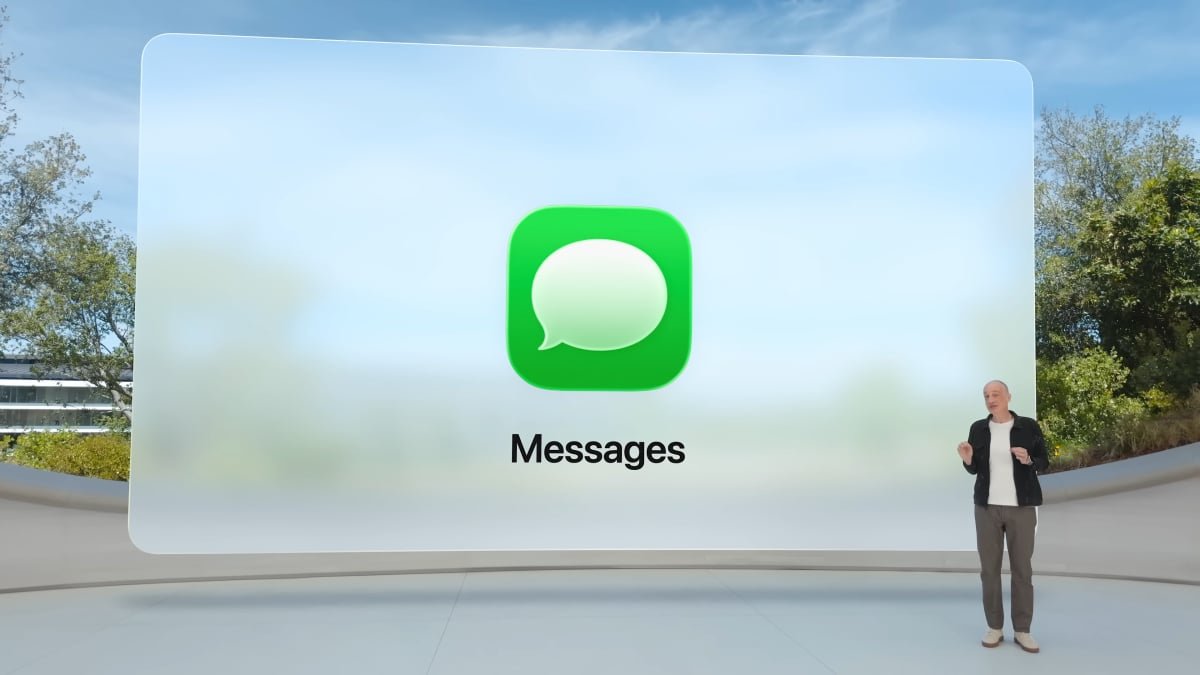
When you updated your iPhone to iOS 26, you were probably expecting to try out a bunch of new features. Maybe you were excited to see the new Liquid Glass design, or interested to see how the new spam prevention tech works. But if you opened Messages to send a text after updating, you might have run into a frustrating problem: All of a sudden, you aren’t able to activate iMessage with your phone number.

It’s not clear how widespread the problem is at this time, but it seems to be a big enough issue for Apple to formally address it. As spotted by MacRumors, Apple now has official troubleshooting steps for anyone experiencing iMessage activation issues specifically after updating to iOS 26.

Though we don’t know the scope of the users affected, we do know who might be affected. According to Apple, the issue might occur when updating to iOS 26 if you have an inactive SIM with the same phone number as your active SIM. If this is your issue, you may run into the following problems:

  • When you try to send an iMessage, you get a “Not Delivered” notification.

  • You can only send SMS or RCS messages—or, in other words, green bubble texts only.

  • Your sent messages go through your email address instead of your phone number when you don’t have it set up that way.

  • You see the same phone number twice under Settings > Apps > Messages > Send & Receive.

Reactivating iMessage after installing iOS 26

If this is the case, the fix is pretty simple: All you need to do is remove or delete the inactive SIM. Here’s what to do: First, head to Settings > Cellular. If you see two SIMs here with the same number, choose the one that isn’t active. If the inactive SIM is a physical SIM card, remove it from your iPhone. If it’s an eSIM, choose “Delete eSIM” to delete it.


What do you think so far?

Once you get rid of the inactive SIM, head to Settings > Apps > Messages, then choose “Send & Receive.” Here, choose your phone number, which should trigger iMessage to reactivate.

If you’re still having trouble with iMessage after following these steps, your issue might not have to do with this bug. Apple has a series of general troubleshooting steps for getting iMessage back up and running, which includes things like turning iMessage and FaceTime off and on again, activating your account online, and using your email address to sign into your account instead.


Editorial Team

Editorial Team

Related Posts

Apple Is Making 'Hide My Email' Less Effective, but There Are Alternatives
Protection

Apple Is Making ‘Hide My Email’ Less Effective, but There Are Alternatives

June 17, 2026
The Best Early Prime Day Deals on Tech for Under $50
Protection

The Best Early Prime Day Deals on Tech for Under $50

June 17, 2026
The Best Early Prime Deals on Fitness Wearables
Protection

The Best Early Prime Deals on Fitness Wearables

June 17, 2026
You Can Now Use Your HSA/FSA Funds to Buy a Fitbit Air
Protection

You Can Now Use Your HSA/FSA Funds to Buy a Fitbit Air

June 17, 2026
These Over-Ear Nothing Headphones Are Up to 29% Off Right Now
Protection

These Over-Ear Nothing Headphones Are Up to 29% Off Right Now

June 17, 2026
Google's Gemini-Enabled Home Speaker Is Officially Available for Preorder
Protection

Google’s Gemini-Enabled Home Speaker Is Officially Available for Preorder

June 17, 2026
Load More
Next Post
Client Challenge

Client Challenge

Popular News

  • The 10 best banks for college students in 2025

    The 10 best banks for college students in 2025

    0 shares
    Share 0 Tweet 0
  • How to Contact Hilton Customer Service

    0 shares
    Share 0 Tweet 0
  • NYC Subway Disables Trip-History Feature Over Tap-and-Go Privacy Concerns

    0 shares
    Share 0 Tweet 0
  • 13 Most Common Cashier Interview Questions and Answers

    0 shares
    Share 0 Tweet 0
  • Du kennst „Clean Girl“-Make-up – jetzt kommt die „Clean Manicure“

    0 shares
    Share 0 Tweet 0

Latest News

Cointelegraph

France to Stop Certifying Non-Quantum-Resistant Products

June 18, 2026
0

France’s national cybersecurity agency ANSSI said Tuesday that it will stop certifying security products that lack quantum-resistant encryption, reflecting growing...

Motor racing-F1 sponsorship could give BYD lower-risk route to global recognition

Motor racing-F1 sponsorship could give BYD lower-risk route to global recognition

June 18, 2026
0

Motor racing-F1 sponsorship could give BYD lower-risk route to global recognition

Michael Saylor's Strategy sells bitcoin: what it means for BTC - 1

QCP warns Strategy may sell more Bitcoin to fund dividends

June 18, 2026
0

Strategy has returned to the spotlight after QCP estimated its current liquidity runway for dividend payments at about seven and...

Exclusive-Thailand revives $30 billion coast-to-coast corridor to rival Malacca Strait

Exclusive-Thailand revives $30 billion coast-to-coast corridor to rival Malacca Strait

June 18, 2026
0

Exclusive-Thailand revives $30 billion coast-to-coast corridor to rival Malacca Strait

Global Finances Daily

Welcome to Global Finances Daily, your go-to source for all things finance. Our mission is to provide our readers with valuable information and insights to help them achieve their financial goals and secure their financial future.

Subscribe

  • About Us
  • Contact
  • Privacy Policy
  • Terms of Use
  • Editorial Process

© 2025 All Rights Reserved - Global Finances Daily.

No Result
View All Result
  • Alternative Investments
  • Crypto
  • Financial Markets
  • Investments
  • Lifestyle
  • Protection
  • Retirement
  • Savings
  • Work & Careers

© 2025 All Rights Reserved - Global Finances Daily.

Welcome Back!

Login to your account below

Forgotten Password?

Retrieve your password

Please enter your username or email address to reset your password.

Log In
This website uses cookies. By continuing to use this website you are giving consent to cookies being used. Visit our Privacy and Cookie Policy.