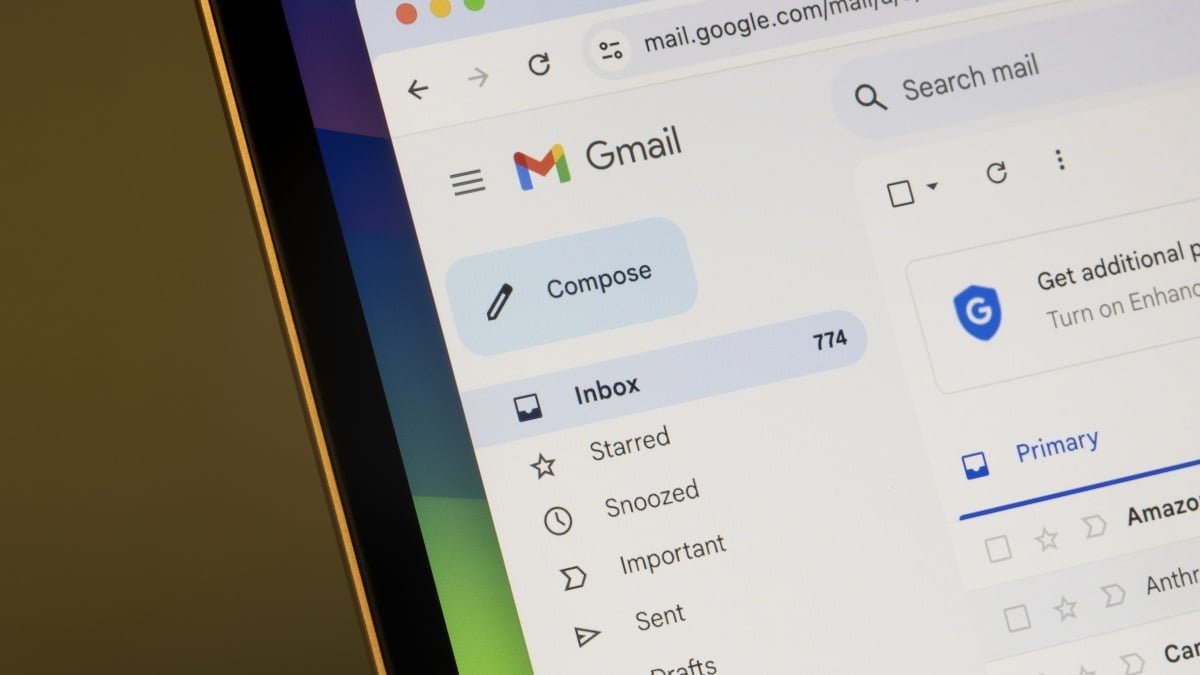
Last week, tech headlines were abuzz with a concerning claim: According to some on social media platforms, and even some news outlets, Google had secretly opted Gmail users into sharing their emails with Gemini. The goal? To train Google’s AI. While this controversy set off quite a lot of noise, it appears much of the conversation kicked off with this inflammatory post on X, complete with select words in all caps:
This Tweet is currently unavailable. It might be loading or has been removed.
According to the poster, the only remedy for the situation is to disable a setting you’ve probably never heard of: “smart features.” The claims suggest “smart features” was switched on in two locations on your account: One that controls Gmail, Chat, and Meet, and another that enables it in the larger Google Workspace suite—assuming you have a Workspace account. The “smoking gun” is a small part of Google’s privacy policy which says that the company does not use your Workspace data to train its AI models, without permission. Taken at face value, the assertion is that Google opted you into these settings, thus taking your “permission” to start using your data for this AI training.
As of this morning, the post has nearly 150,000 likes on X, but the claims spread far and wide across the internet. Even Malwarebytes ran a story explaining the situation, and urging users to disable these settings to keep their messages out of Google’s AI training. As it turns out, however, Google doesn’t actually appear to be doing this.
What are “smart features?”
I reached out to Google on Friday to see if the company had any comment concerning these claims. In response, I received the following from a Google spokesperson:
“These reports are misleading—we have not changed anyone’s settings, Gmail Smart Features have existed for many years, and we do not use your Gmail content for training our Gemini AI model. Lastly, we are always transparent and clear if we make changes to our terms of service and policies.”
Indeed, “smart features” has existed for years. In fact, Lifehacker first covered the setting back in 2020, nearly three years before Google first launched Bard (now Gemini). To the claimants’ credit, smart features does use your data to improve Google features, but not to train AI models en masse. Instead, smart features uses your data to customize your specific Google experience. In Gmail, that might mean learning how you write, to generate more relevant smart replies; in Search, that might mean suggesting keywords based on previous searches; in Maps, that might mean showing restaurant reservations; in Wallet, that might mean recommending tickets for shows based on your interests. Smart features also powers core Google features, like spam filters and categorization.
That’s not to say that you should necessarily be down for smart features: If you personally don’t care for Google collecting your data to customize your personal experience, you can absolutely turn these features off. But it’s important to understand what you’re choosing to turn on or off: Just because someone claims that these features are doing something doesn’t make it true. Turn off smart features if you want, but just know that it has no impact on how Google handles your private messages, or how it trains its AI models for everyone. Plus, it may impact how apps like Gmail function: You may not be able to sort your emails into categories, or stop certain spam from getting into your inbox.
How to disable “smart features”
If you do want to turn off smart features, it’s easy to do. You’ll find the settings in the Gmail web app: Click the settings gear, then choose “See all settings.” Here, scroll down, and disable the toggle next to “Smart features.” You’ll need to agree to “Turn off and reload” Gmail in order to see the changes take effect.
What do you think so far?
If you have a Workspace account, you have another settings page to manage. Click “Manage Workspace smart features settings,” then disable the toggles next to “Smart features in Google Workspace” and “Smart features in other Google products.” Finally, choose “Save.”
Just remember: These settings control a number of smart features across your Google products. As such, you might notice certain features missing going forward. To revert your changes, return to these settings pages at any time and flip the toggles back on.
Google isn’t in the clear
The dust has settled since controversy’s peak last week. Malwarebytes issued a correct to its original article, sharing the same spokesperson statement I received. The site says that Google’s vague rewrite of the smart features setting contributed to this confusion, but that it does appear the setting doesn’t scrape users’ private messages to train Gemini.
However, that’s not to say Google is entirely in the clear here. While this specific claim might not be true, a lawsuit claims the company improperly gave Gemini private user data from Gmail, Chat, and Meet without the permission of those users. Google as a whole doesn’t have the best reputation when it comes to respecting users’ privacy too, so it’s not surprising that these claims took off the way they did.
Malwarebytes also makes the point that while Google says these settings are all opt-in, many users don’t actually remember opting in themselves, further fueling confusion around smart features. To be candid, I definitely don’t remember enabling smart features on either my personal or work Gmail accounts, though it’s entirely possible I did. All I know is these settings are on now, and while I’m considering disabling them, I also don’t know if I’d be willing to get rid of all smart features.