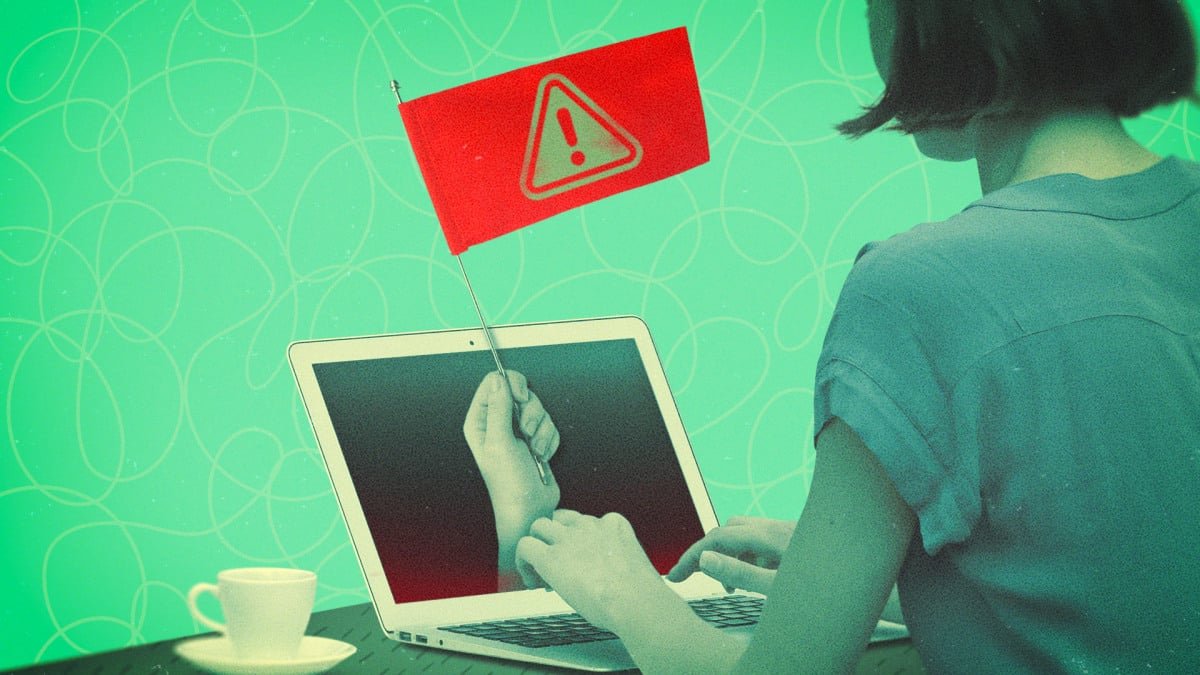
Threat actors who are after your identity or someone who is secretly monitoring you may try to blend into the background at first while they read messages, gather data, or wait for a financial opportunity. This means that the early signs of account or device compromise, like red flags for identity theft, may be subtle and easy to ignore. But these can quickly spiral into a much larger problem, and you should act quickly to prevent serious consequences.
An unexpected password change or 2FA request is something to pay attention to
If you’re getting password reset requests or two-factor authentication (2FA) code texts or emails that you didn’t initiate, someone is almost certainly trying to gain access to your accounts. In the case of 2FA alerts, they may already have your primary credentials. Hackers will attempt to get past 2FA with tactics like prompt bombing, which involves sending dozens of notifications to your device in a short amount of time, and phone spoofing. Note that while 2FA does add a layer of security, SMS and email codes can be easily phished, so you should change your password and switch to a stronger MFA method, like biometrics or a physical key, if possible.
Change your password if you see unrecognized login attempts
Similarly, a notification of a login attempt when you aren’t trying to access your account is cause for alarm, and you should change your password and ensure that your recovery methods are in order. Some platforms also allow you to see active sessions and where your account is logged in—if you find locations or devices you don’t recognize, sign out everywhere and update your credentials. (Note that if you’re using a VPN, a legitimate session may look like a suspicious one.)
Be wary of any unusual device behavior
If your phone or computer suddenly starts behaving differently, you should investigate to determine whether it has been compromised. A few warning signs:
-
Rapid battery drain and/or overheating when your device isn’t in use.
-
Your screen lights up or stays on for no apparent reason.
-
The camera or microphone indicator lights activate unexpectedly.
-
Device processes, such as shutdown, take longer than normal.
-
Apps launching and/or crashing or pop-ups appearing without explanation.
-
Unusual permissions requests.
-
Spikes in data usage.
Malware can be the cause of these odd behaviors, though they can also be the result of either hardware or software problems that aren’t malicious at all. Check for system and app updates that may solve the issue with known bug fixes. If that doesn’t change the behavior, you should scan for malware.
That unknown app on your device might be malware
If you find an app you don’t remember downloading on your device, you should be suspicious, as it could be spyware or another form of malware that allows threat actors to steal information or track your activity. These programs can even be hidden from your home screen or disguised as something more benign, so you should regularly audit what’s on your device and review app permissions and settings. We’ve also got guides for finding and removing malware from your Mac and PC.
Increased spam calls or emails are another red flag
We all expect to receive spam calls, texts, and phishing emails with some regularity, but if these increase drastically and suddenly, scammers may be actively targeting you. This could indicate a data breach or other account compromise—threat actors will use leaked or stolen information to make their communication more believable. Keep an eye out for data breach notices, use the dark web monitoring tools in your password manager, or check Have I Been Pwned.
What do you think so far?
Don’t ignore test charges on your credit cards
If bad actors gain access to your financial accounts, including your debit or credit card information, they may test the waters to determine whether the payment credentials still work before moving on to larger purchases and full identity theft. Test charges—which can be for as little as a few cents—are a red flag, so don’t ignore unrecognized transactions. Check your statements regularly, as test charges may not post to your account, making them easy to miss.
New emails or messages marked as read are a warning sign
If you open your email or messaging app to messages in your inbox marked as read and think “huh, I don’t remember seeing that,” it may be because someone has gained access to your account and looked at it first on another device. There are a few other signs that your email or messaging accounts are being monitored or used maliciously, such as contacts reporting that you’ve sent them suspicious content—phishing links, payment requests, or spam—or emails in your sent or scheduled folders that you don’t recognize. If you suspect account compromise, change your password ASAP.
If you’re locked out of an account, that’s a red flag
If you find yourself unexpectedly locked out of an account, it may be because hackers have already taken it over, or they’ve tried and failed to log in too many times. The same goes for a social media account that has been banned. These may be the consequences of a data breach or a successful phishing attempt. Either way, you can report it to the platform and try to recover your account.
Strange content in your streaming history? Someone else might have access
If your Netflix, Spotify, or YouTube algorithms are suddenly serving you content that’s way outside of your typical viewing or listening preferences, or if you find things in your history that you definitely didn’t stream, someone may have gained access to your account. This on its own may not seem like a big deal, but it could indicate or lead to much larger problems if your data has been compromised. Change your password and, if you can, sign out across all devices.