No Result
View All Result
Global Finances Daily
  • Alternative Investments
  • Crypto
  • Financial Markets
  • Investments
  • Lifestyle
  • Protection
  • Retirement
  • Savings
  • Work & Careers
No Result
View All Result
  • Alternative Investments
  • Crypto
  • Financial Markets
  • Investments
  • Lifestyle
  • Protection
  • Retirement
  • Savings
  • Work & Careers
  • Login
Global Finances Daily
No Result
View All Result
Home Protection

Venmo’s New App Design Comes With a Great Privacy Update

May 11, 2026
in Protection
0
Venmo's New App Design Comes With a Great Privacy Update


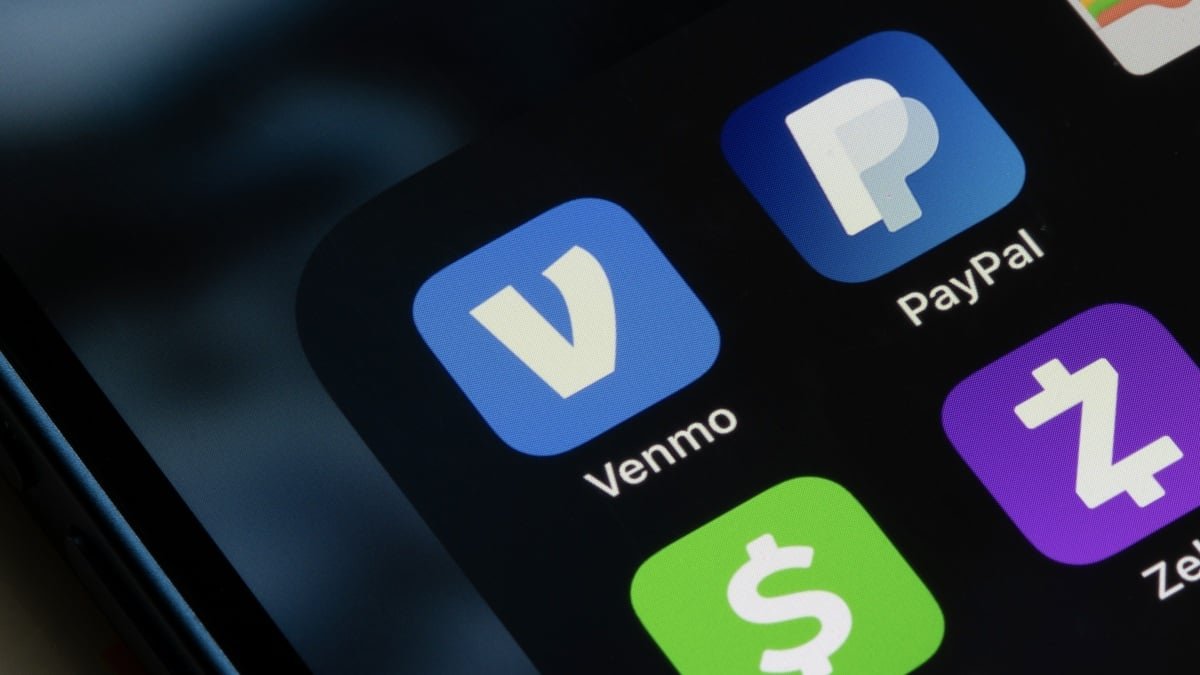
For me, Venmo has always been the app to settle quick debts. Someone puts their card down at dinner, and I Venmo them my share; I covered costs on a trip, and the group Venmos me in return. But Venmo has always seemed like it wanted to be more than that. The app feels like a hybrid between a banking service, a social media platform, and a place to buy and sell crypto. None of that is changing with its new redesign; in fact, it feels like it’s leaning into that multi-use experience more than ever. But it is making a big privacy change, at least for new users, that probably should have been there from launch.

How Venmo is changing in the coming weeks

Venmo is launching a redesigned app over the coming weeks, and the changes aren’t subtle: The overhauled UI definitely looks like an app launching in 2026, with large rounded blocks, bolded names and text, and updated imagery throughout. Over time, the company also plans to introduce new sections to the app, which it calls “surfaces.” There’s “Send,” which contains the usual Venmo features like fund sharing and payment scheduling; “Money,” which lets you buy and sell crypto and link your account to other services; and “Rewards,” which hosts Venmo’s cash back program and offers.

If you’re an existing Venmo user, you’ll notice these changes immediately, of course. But perhaps the biggest change of all only impacts new Venmo users—in a good way, mind you. Going forward, users signing up for new Venmo accounts will have their transactions set to private by default. They can change this option, of course, but if they don’t adjust their settings, all of the payments they use Venmo for will be hidden from their friends and contacts, rather than populate on the main feed.

This is a pretty radical change for Venmo. Throughout Venmo’s history, new users’ profiles were set to public from the get-go. If you didn’t intervene, your transactions would be broadcast to anyone who follows you or the person you paid: That’s a good thing if you’re Venmo, which wants the extra engagement; or, perhaps, a nosey user who wants to see who’s paying who for what. But most of us probably don’t want or need the Venmo world knowing our financial business, even if we don’t have anything to “hide.” As such, this change is a good one.

Of course, Venmo doesn’t force you to display your transactions publicly. You can change this setting at any time, and make all of your transactions private by default. You can also set individual payments as private, if you have some transactions you want to keep off the timeline. But many (if not most) users aren’t going to go out of their way to change the default options after setting up their accounts. As such, I’m willing to bet that a good percentage of the transactions visible on Venmo aren’t from people who want to share that information. That wouldn’t be a problem had Venmo set their accounts to private from the start.


What do you think so far?

How to set your Venmo account to private

If you have a new Venmo account, your privacy situation is set. But if you’ve had your account awhile, you might be set to public if you’ve never changed it. Luckily, if you want to be private, it’s easy: Open the app, then head to your profile. Hit the settings gear in the top right, then choose “Privacy.” Here, make sure “Private” is checked off. If you’re okay sharing with just friends, you can choose “Friends” as well. But for a totally off-the-grid experience, hit “Private.” You can also set individual payments to Private if you don’t want to hide all your payments. Once you reach the pay screen, hit “Public” in the same line as “Privacy,” then choose “Private” or “Friends.”

Now, your transactions will still appear in the feed, but will be visible only to you and the other party involved. You can tell from the little lock icon that appears in the payment.




Editorial Team

Editorial Team

Related Posts

Finding Studs Used to be Torture Until I Spent $12 on a StudPop
Protection

Finding Studs Used to be Torture Until I Spent $12 on a StudPop

May 11, 2026
Here's How Apple Plans to Change Liquid Glass in macOS 27
Protection

Here’s How Apple Plans to Change Liquid Glass in macOS 27

May 11, 2026
The Anker Soundcore Sleep A20 Earbuds Are on Sale Right Now
Protection

The Anker Soundcore Sleep A20 Earbuds Are on Sale Right Now

May 11, 2026
The Insta360 Go Ultra Vlogger Bundle Is Nearly $90 Off Right Now
Protection

The Insta360 Go Ultra Vlogger Bundle Is Nearly $90 Off Right Now

May 11, 2026
Current Trends Explained: 'Omoggle,' the Canvas Hack, and Text Songs
Protection

Current Trends Explained: ‘Omoggle,’ the Canvas Hack, and Text Songs

May 11, 2026
The GoPro Lit Hero Is $70 Off Right Now
Protection

The GoPro Lit Hero Is $70 Off Right Now

May 11, 2026
Load More
Next Post
U.S. households face serious pain beyond gas prices as diesel nears record highs

U.S. households face serious pain beyond gas prices as diesel nears record highs

Popular News

  • Fujairah and Khor Fakkan become UAE trade hubs amid Iran tensions

    Fujairah and Khor Fakkan become UAE trade hubs amid Iran tensions

    0 shares
    Share 0 Tweet 0
  • Private credit surge sparks split among US pension funds

    0 shares
    Share 0 Tweet 0
  • Citi taps Blackstone and KKR in private wealth push

    0 shares
    Share 0 Tweet 0
  • Most women confident saving money, but where it’s kept lags inflation

    0 shares
    Share 0 Tweet 0
  • Brent oil prices claw back losses to top $100 again after hours

    0 shares
    Share 0 Tweet 0

Latest News

Nvidia has added an Oracle’s worth of market cap in just four trading days

Nvidia has added an Oracle’s worth of market cap in just four trading days

May 11, 2026
0

Nvidia’s stock is on pace to record its best four-session gain of 2026 after severely lagging the chip sector in...

Yosemite National Park No Longer Requires Entry Reservations—Here's What to Know

Yosemite National Park No Longer Requires Entry Reservations—Here’s What to Know

May 11, 2026
0

Travelers headed to Yosemite National Park this spring are encountering something the park had largely managed to avoid since the...

U.S. households face serious pain beyond gas prices as diesel nears record highs

U.S. households face serious pain beyond gas prices as diesel nears record highs

May 11, 2026
0

Diesel is what powers the trucks, trains and tractors. It’s what the U.S. economy runs on.

Venmo's New App Design Comes With a Great Privacy Update

Venmo’s New App Design Comes With a Great Privacy Update

May 11, 2026
0

For me, Venmo has always been the app to settle quick debts. Someone puts their card down at dinner, and...

Global Finances Daily

Welcome to Global Finances Daily, your go-to source for all things finance. Our mission is to provide our readers with valuable information and insights to help them achieve their financial goals and secure their financial future.

Subscribe

  • About Us
  • Contact
  • Privacy Policy
  • Terms of Use
  • Editorial Process

© 2025 All Rights Reserved - Global Finances Daily.

No Result
View All Result
  • Alternative Investments
  • Crypto
  • Financial Markets
  • Investments
  • Lifestyle
  • Protection
  • Retirement
  • Savings
  • Work & Careers

© 2025 All Rights Reserved - Global Finances Daily.

Welcome Back!

Login to your account below

Forgotten Password?

Retrieve your password

Please enter your username or email address to reset your password.

Log In
This website uses cookies. By continuing to use this website you are giving consent to cookies being used. Visit our Privacy and Cookie Policy.